07K5-025
The printer driver is software required for printing with this printer.
For details on the system environment required to use the printer driver, see "System Requirements for Printing."
The procedure for installing the printer driver varies depending on the system environment. See the following according to
your system environment.
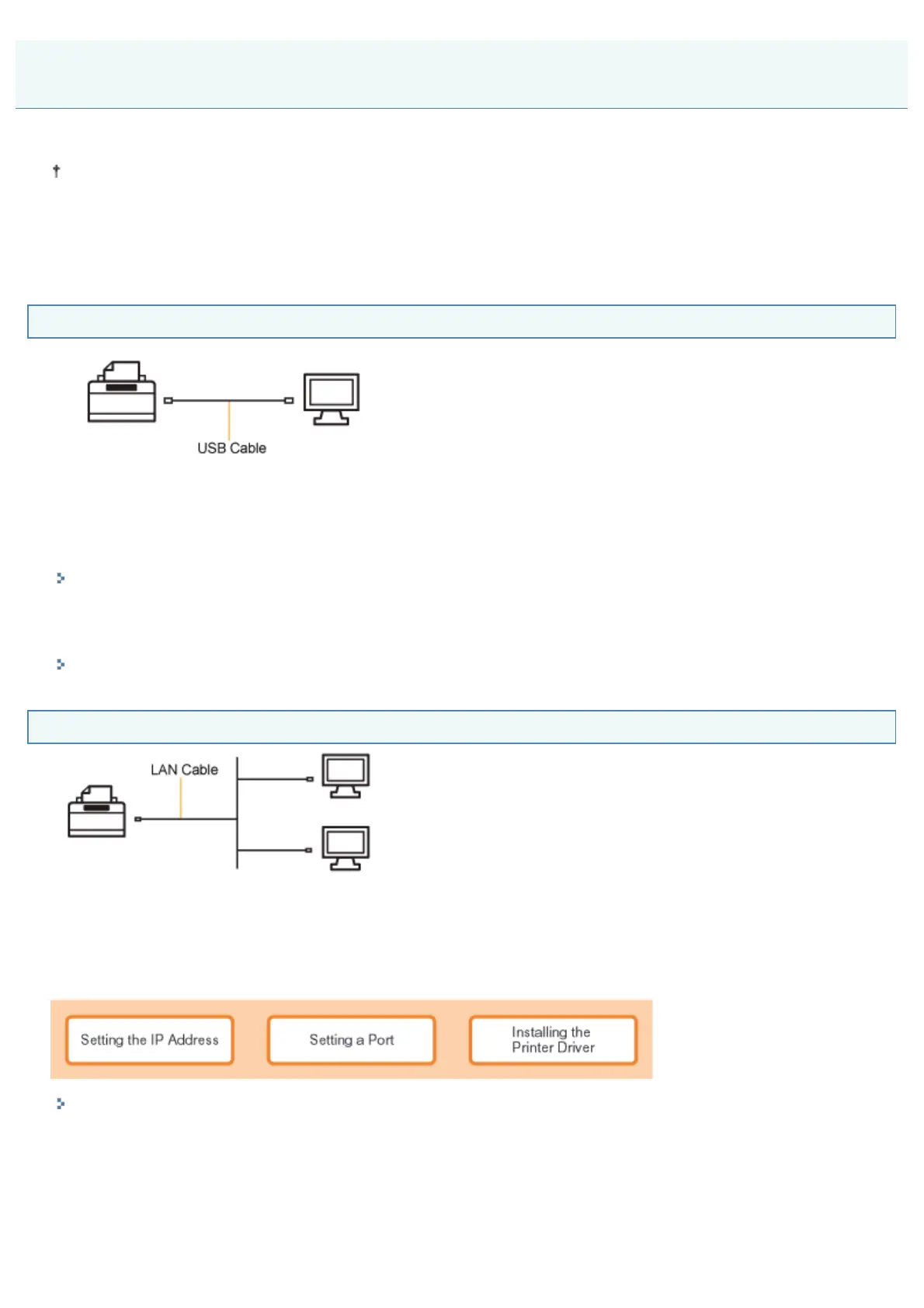
If You Are Connecting the Printer and Computer with a USB Cable
There are the following two ways to install the printer driver.
<Easy Installation>
Installs the printer driver from the supplied CD-ROM (CD-ROM Setup). The e-Manual is also installed simultaneously.
"Easy Installation"
<Plug and Play>
Detects the printer with Plug and Play and installs the printer driver by selecting it manually from the supplied CD-ROM.
"Installing with Plug and Play"
If You Are Connecting the Printer and Computer with a LAN Cable
There are the following two ways to install the printer driver.
The procedures for setting the IP address or creating a port vary depending on the installation method.
<Auto Setup>
Performs the following operations which are required for printing all at once.
"Easy Installation"
<Manual Setup>
Performs the following operations which are required for printing one at a time.
Installing the Printer Driver
㻝㻜㻜㻌㻛㻌㻠㻡㻞














 To Next Page