07K5-06C
You can also use NetSpot Device Installer without installing it.
"Using NetSpot Device Installer"
IMPORTANT
Precautions when installing NetSpot Device Installer
Close all the other applications before the installation.
A user without administrative rights cannot perform installation. To perform installation, be sure to log on as a user
with administrative rights.
1
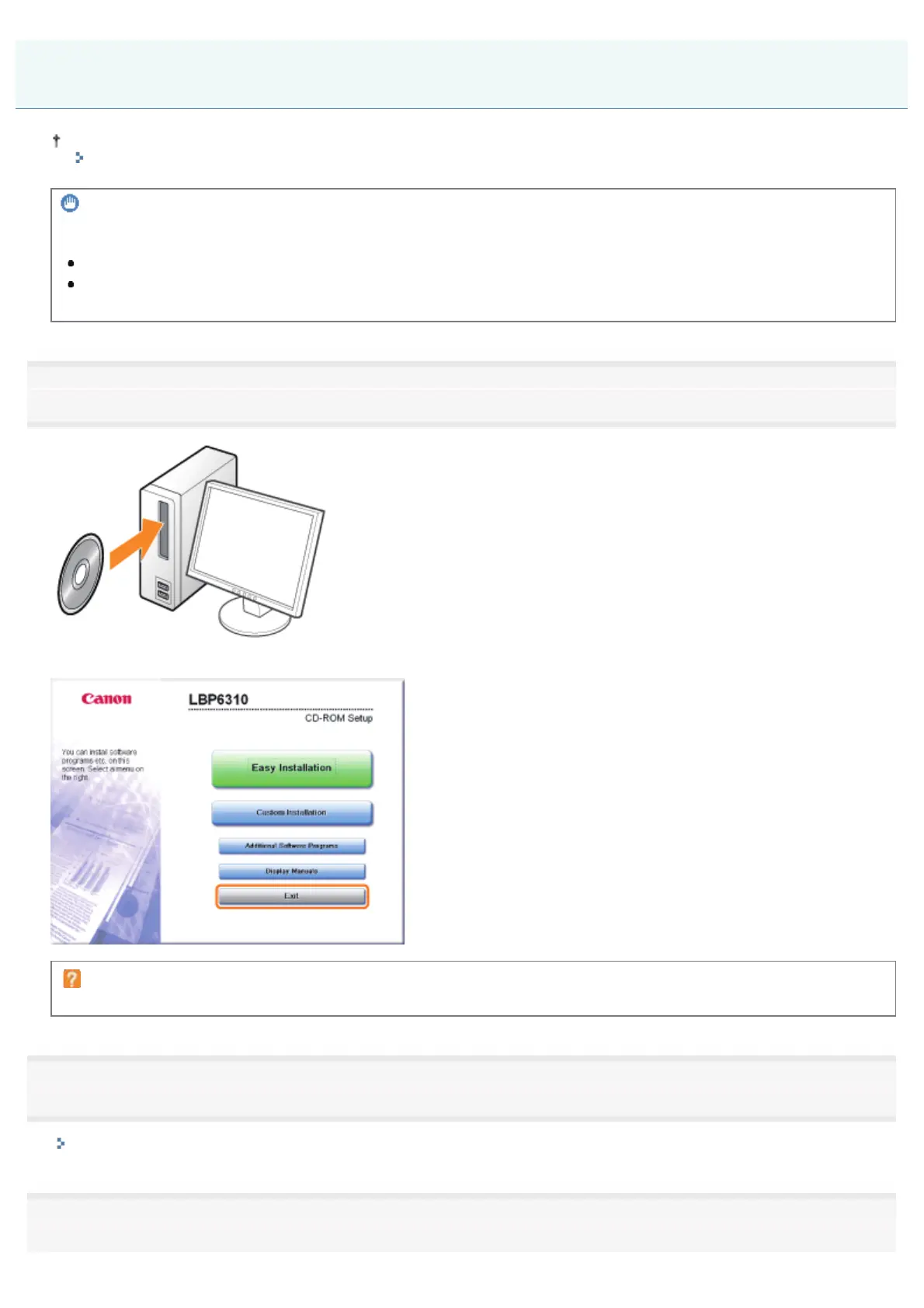
Insert the supplied CD-ROM "User Software" into the CD-ROM drive of your computer.
When the following screen appears, click [Exit].
If the [AutoPlay] dialog box appears
Select [Open folder to view files], and then proceed to Step 4.
2
Display [My Computer] or [Computer].
"Basic Operations/Various Information for Windows"
3
Right-click the CD-ROM icon, then select [Open] from the pop-up menu.
Installing NetSpot Device Installer
㻟㻞㻡㻌㻛㻌㻠㻡㻞














 To Next Page