07K5-04Y
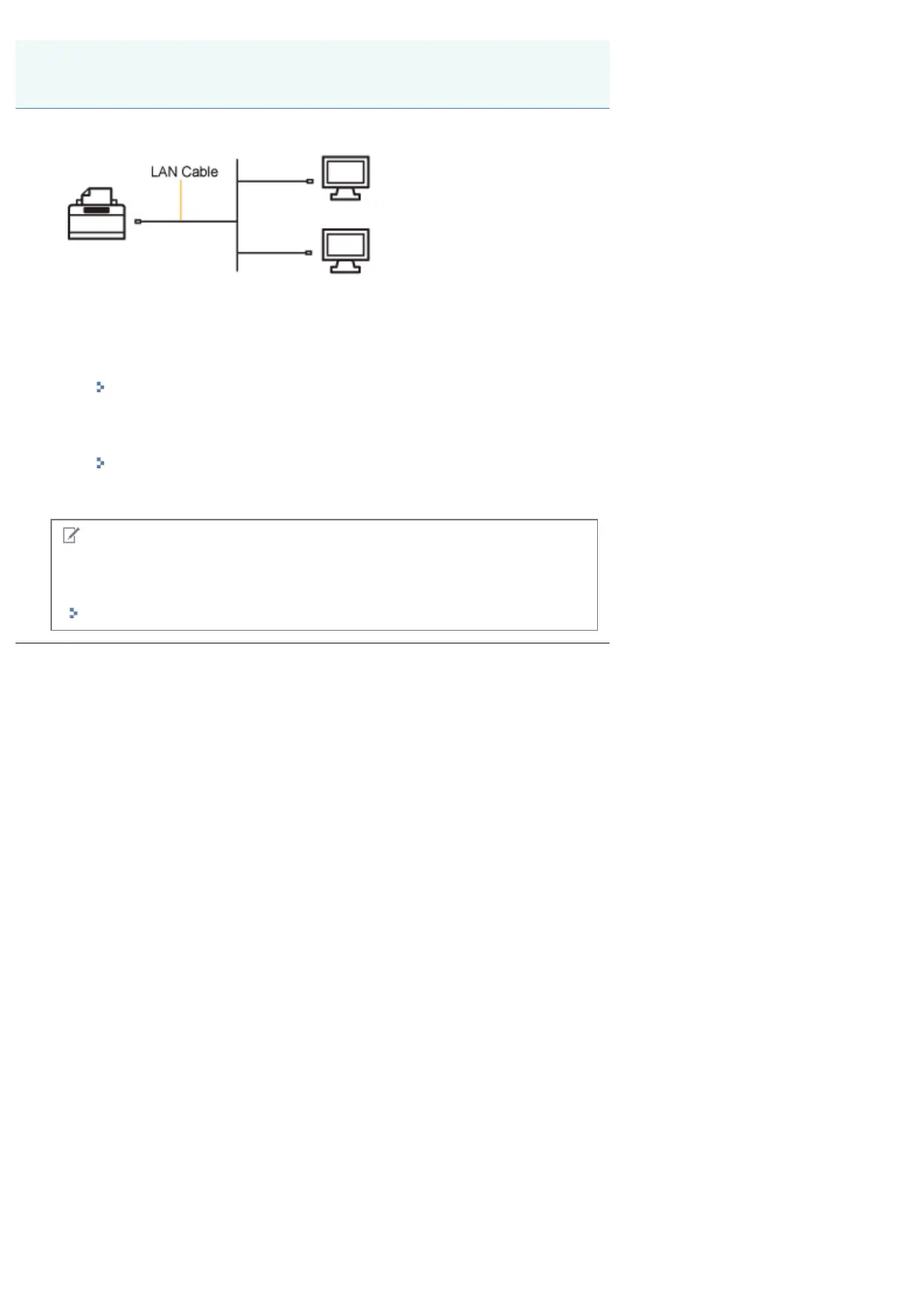
You can use this printer as a printer directly connected to a network.
When using the printer by direct connection, perform the following tasks.
1. Install the printer driver.
"Installing the Printer Driver (LAN Connection)"
2. Change the network settings for the printer as needed.
"Changing the Network Settings for the Printer"
NOTE
If you changed the IP address after installing the printer driver
Specify the port to be used again in the printer driver.
"When Changing the IP Address (Changing the Port)"
If You Use the Printer by Direct Connection
㻞㻟㻞㻌㻛㻌㻠㻡㻞














 To Next Page