07K5-050
There are the following two ways to install the printer driver.
The procedures for setting the IP address or creating a port required to print by directly connecting to the printer vary
depending on the installation method.
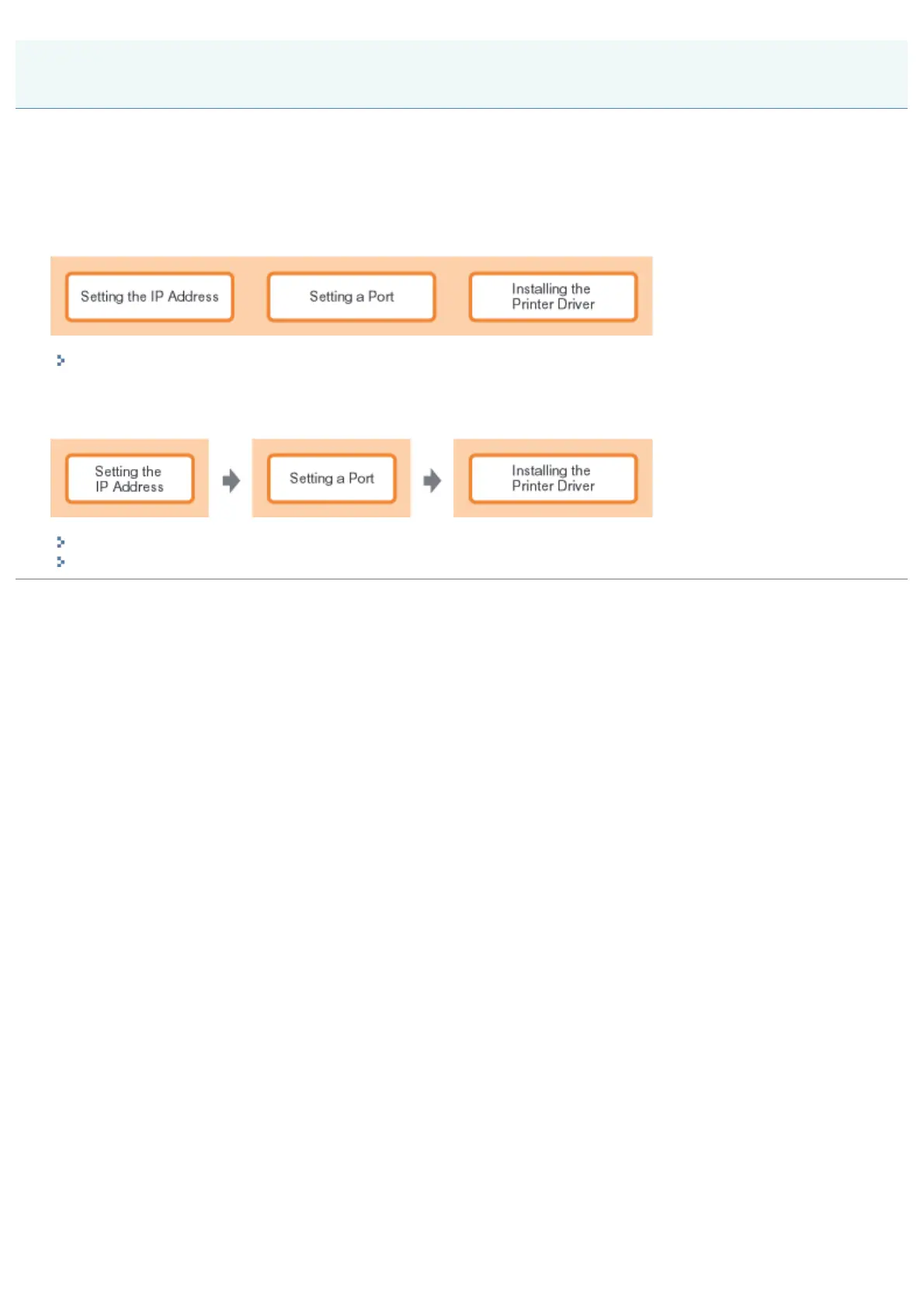
<Auto Setup>
Performs the following operations which are required for printing all at once.
"Easy Installation"
<Manual Setup>
Performs the following operations which are required for printing one at a time.
"Setting the IP Address"
"Setting a Port and Installing the Printer Driver"
Installing the Printer Driver (LAN Connection)
㻞㻟㻟㻌㻛㻌㻠㻡㻞














 To Next Page