07K5-03A
Confirming usable paper
This printer can print plain paper (60 to 90 g/m
2
) and heavy paper (91 to 163 g/m
2
) of the following sizes or Index Card.
Standard sizes
A4
*
, B5, A5, A6, Legal
*
, Letter
*
, Executive, and 16K
Custom paper sizes Width 76.2 to 215.9 mm, Length 127.0 to 355.6 mm
*
Can be used for 2-sided printing. (Heavy paper of 121 to 163 g/m
2
cannot be used for 2-sided printing.)
Recycled paper can be also used.
NOTE
When using custom size paper
See "Printing on Custom Size Paper."
Loading paper
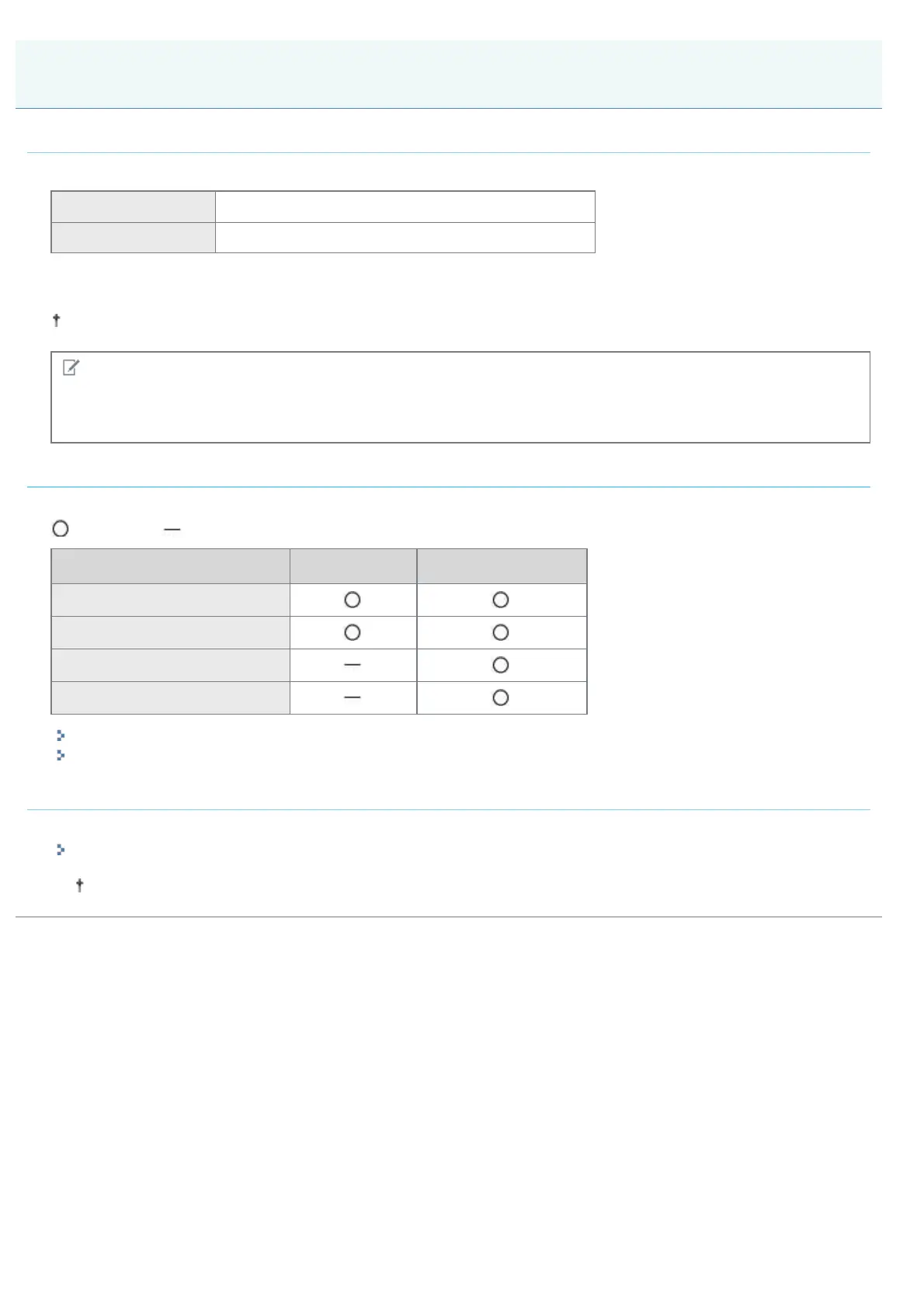
The paper which you can load in the paper drawer or multi-purpose tray varies depending on the paper type.
: Available : Unavailable
Paper Type Paper Drawer Multi-purpose Tray
Plain paper (60 to 90 g/m
2
)
Heavy paper (91 to 120 g/m
2
)
Heavy paper (121 to 163 g/m
2
)
Index Card
"Loading Paper in the Paper Drawer"
"Loading Paper in the Multi-purpose Tray"
Printing from an application
After loading paper, perform printing.
"Basic Printing Procedure"
The print speed drops when printing on heavy paper (91 to 163 g/m
2
) or Index Card.
Printing on Plain Paper, Heavy Paper, or Index Card
㻝㻢㻡㻌㻛㻌㻠㻡㻞














 To Next Page