07K5-072
You can check the obtained security access logs using the Remote UI.
It also allows you to save or clear the security access logs.
1
Start the Remote UI, and then log in as Administrator.
"Starting the Remote UI"
2
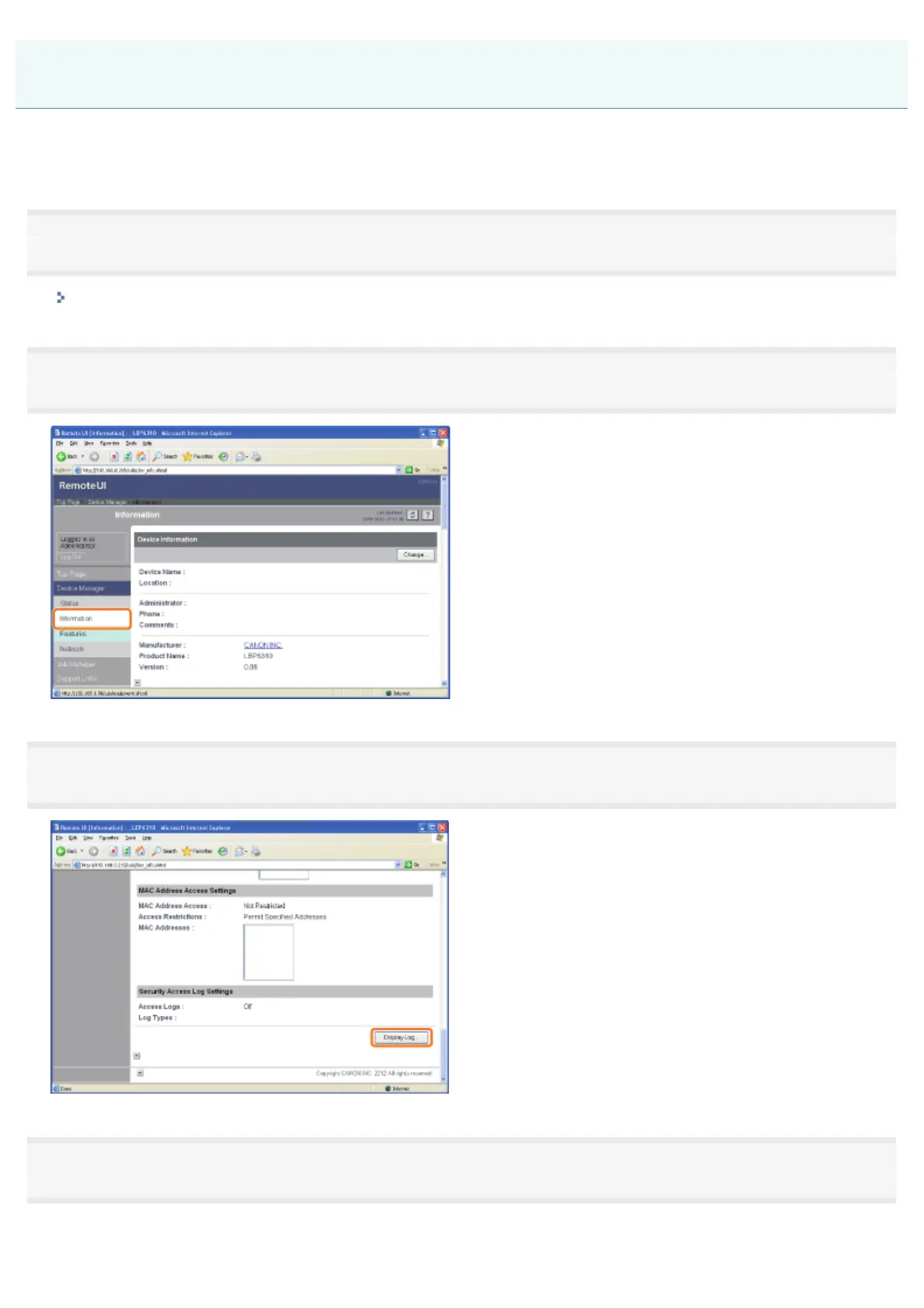
Select [Information] from the [Device Manager] menu.
3
Click [Display Log] under [Security Access Log Settings].
4
Check the security access logs or other information.
Checking the Security Access Logs
㻟㻢㻟㻌㻛㻌㻠㻡㻞














 To Next Page