07K5-093
Perform one of the following solutions according to the cause.
<Cause 1> The toner cartridge was installed with the sealing tape still attached.
Solution
Take the toner cartridge out of the printer, pull out the sealing tape, and reinstall the toner cartridge.
"Toner Cartridge Replacement"
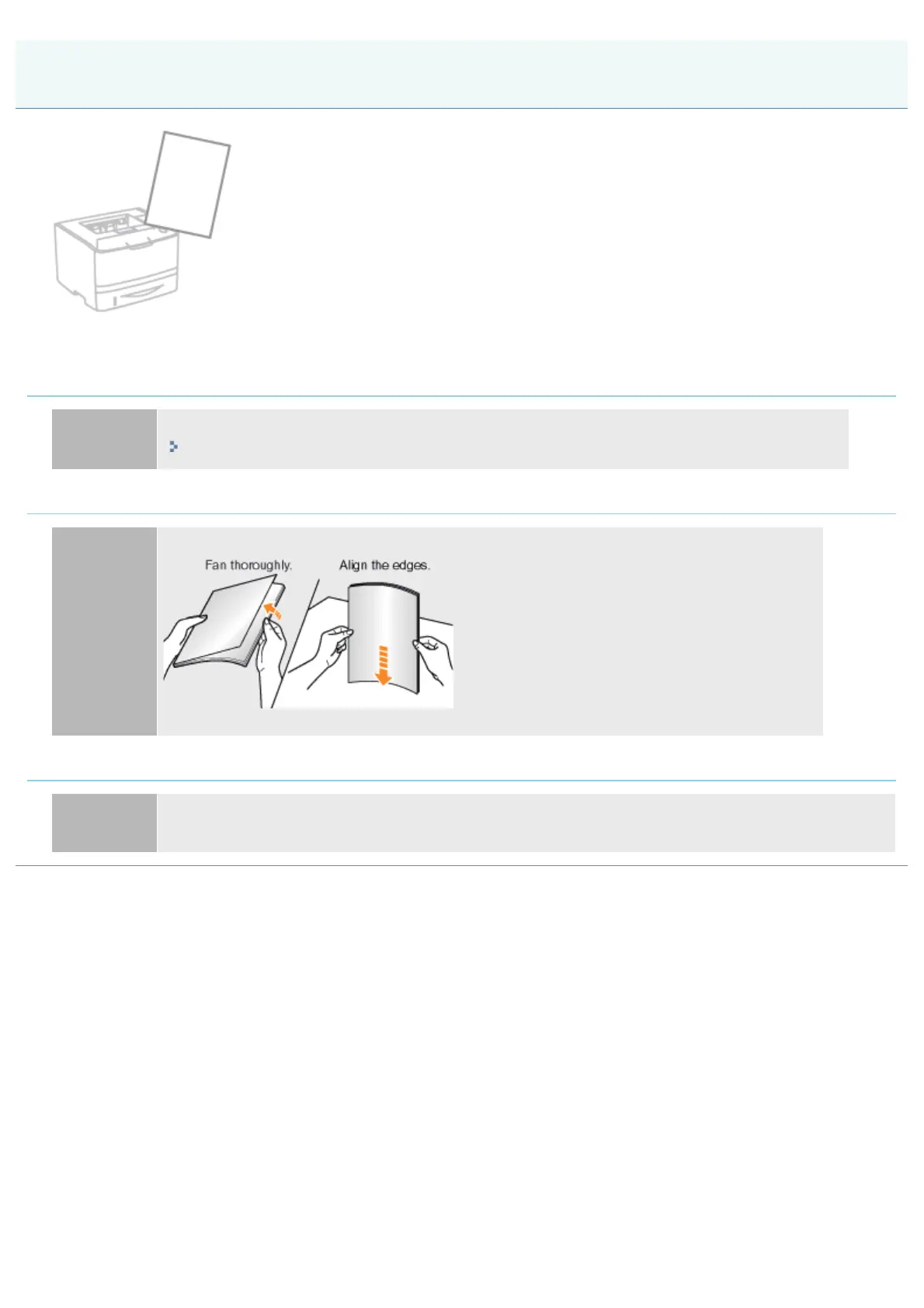
<Cause 2> Multiple sheets of paper are fed at a time.
Solution
Fan the paper thoroughly, and then align the edges of the stack properly on a hard, flat surface.
<Cause 3> Paper of the size different from the setting for [Output Size] is loaded.
Solution
When the message <Specified Paper Different from Set Paper> appears in the Printer Status Window,
perform the described solutions in "A Message Appears in the Printer Status Window."
Blank Paper Is Output (Nothing Is Printed on the Paper)
㻠㻟㻤㻌㻛㻌㻠㻡㻞














 To Next Page