07K5-047
When printing a document with pages in different orientations in the same data, you can specify the paper alignment and
gutter settings for output.
1
Display the setting screen of the printer driver.
"Displaying the Setting Screen"
2
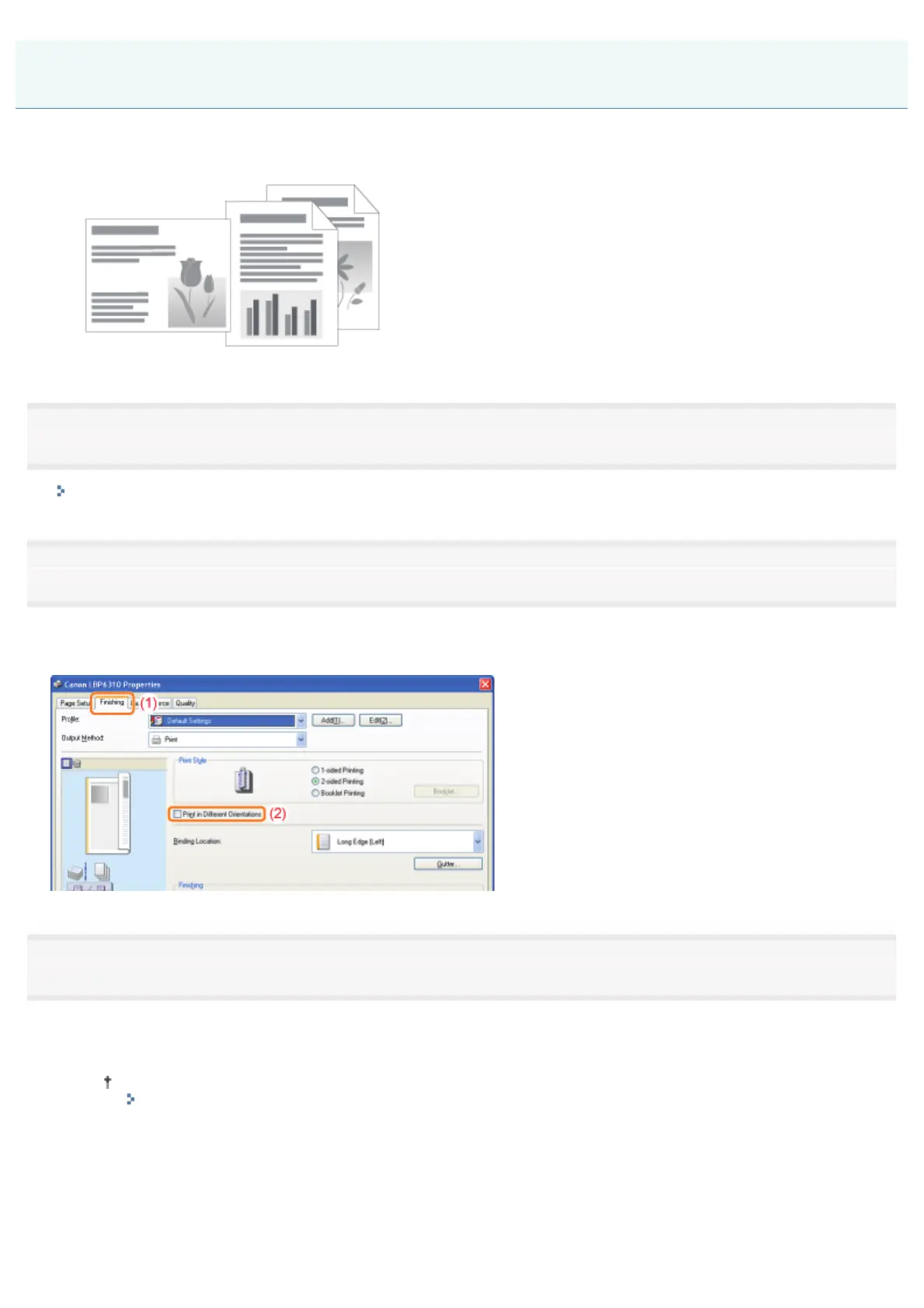
Perform the following procedure.
(1) Display the [Finishing] sheet.
(2) Select the [Print in Different Orientations] check box.
3
Specify the paper alignment and gutter settings for output.
(1) Click [Details].
(2) Specify each setting.
For more details on each setting, see Help.
"How to Use Help"
(3) Click [OK]. Then, the [Finishing] sheet reappears.
Printing Data with Different Orientations in the Same Data
㻞㻜㻡㻌㻛㻌㻠㻡㻞














 To Next Page