07K5-08Y
Perform one of the following solutions according to the cause.
<Cause 1> [Gutter] is specified.
Solution
Perform the following procedure in the printer driver.
1. Display the [Finishing] sheet.
2. Click [Gutter].
3. Set [Gutter] to "0."
<Cause 2> "Top Margin" and "Paper Position" in the application are not specified properly.
Solution
Specify the settings for "Top Margin" and "Paper Position" in the application properly.
See the instruction manual supplied with the application.
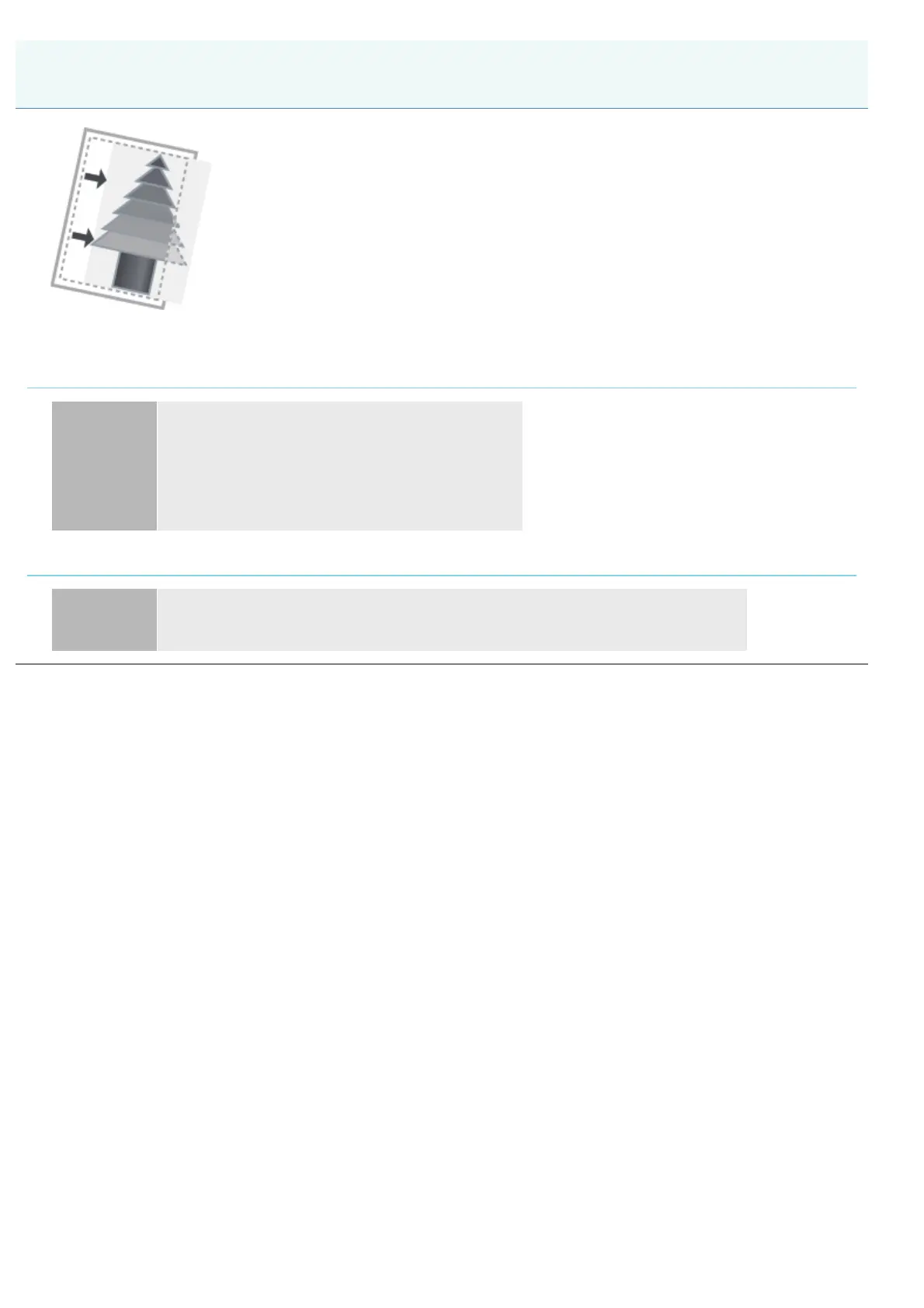
The Printing Position Is Skewed
㻠㻟㻠㻌㻛㻌㻠㻡㻞














 To Next Page