07K5-02E
1
Connect the USB cable.
"Connecting the Printer and Computer"
2
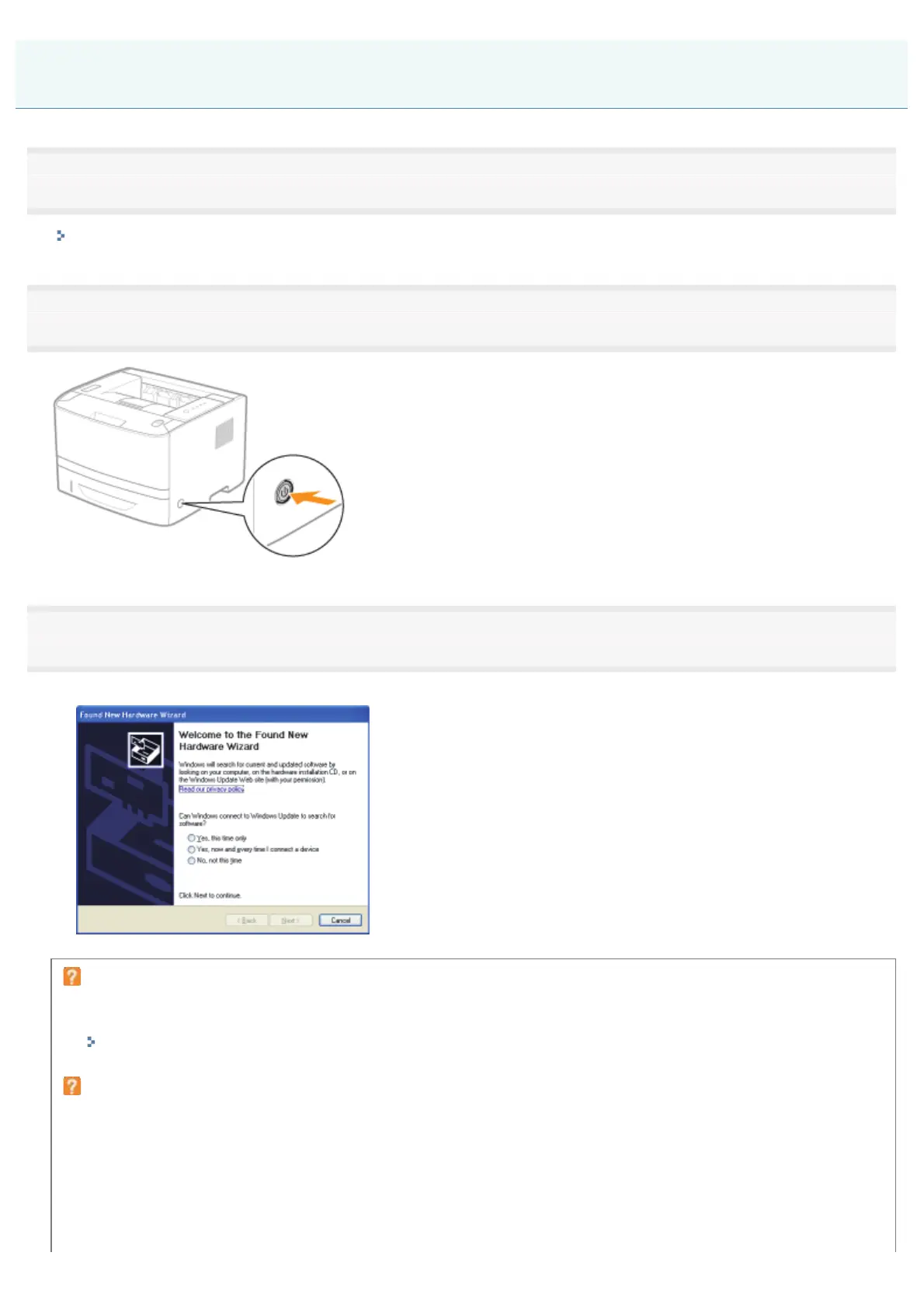
Turn the printer ON.
3
Turn the computer on, and then log on to Windows as a user with administrative rights.
ĺ A wizard or dialog box appears through the Plug and Play automatic setup.
If the printer driver is installed automatically
If you installed the printer driver for this printer previously, the driver is installed automatically.
If you want to update the printer driver (or want to install it manually), install the printer driver after uninstalling it once.
"Uninstalling the Printer Driver"
If the following screen appears
Installing with Plug and Play
㻝㻞㻟㻌㻛㻌㻠㻡㻞














 To Next Page