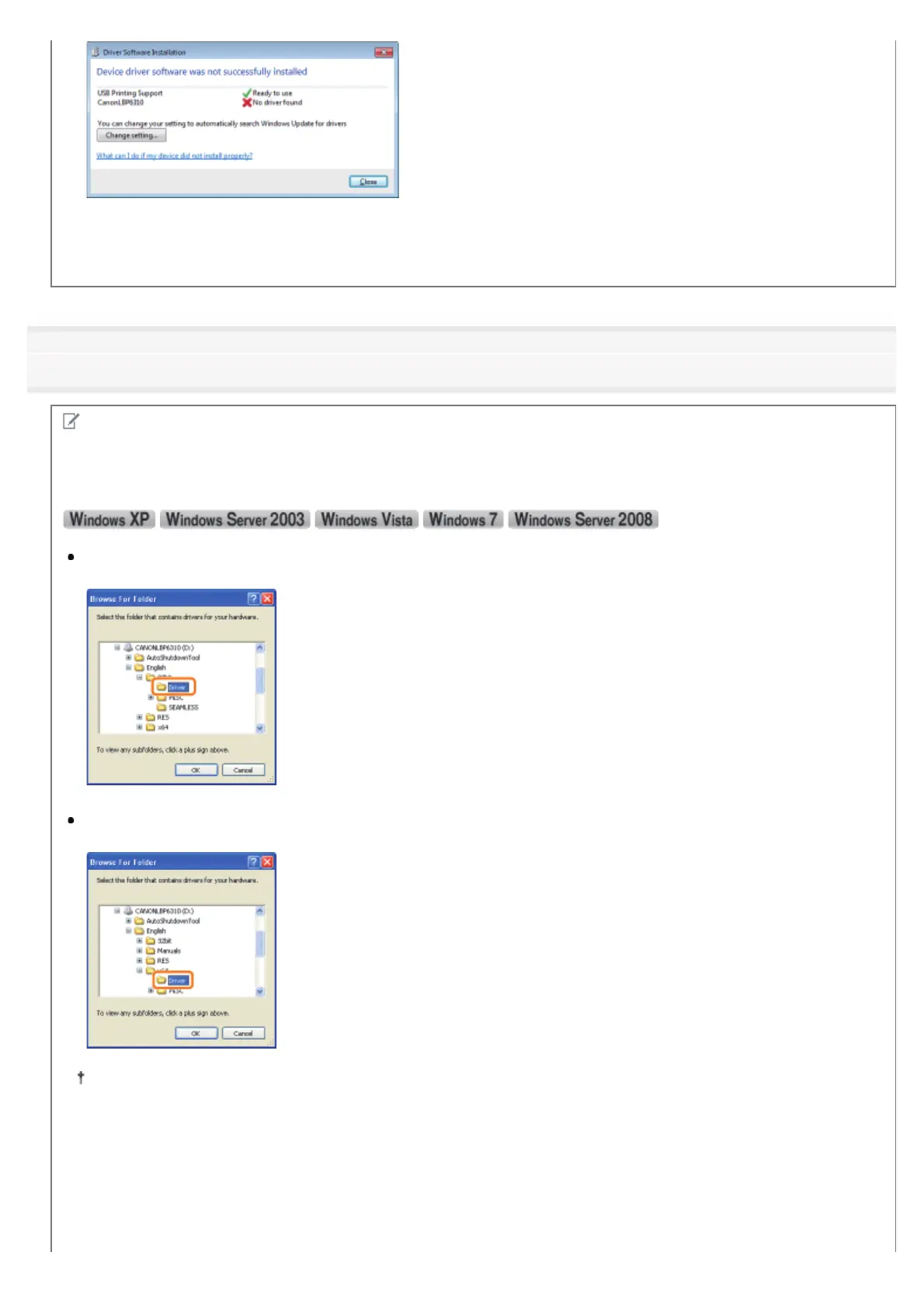
You may not be able to install the printer driver properly due to the Windows restriction even after detecting the
printer with Plug and Play.
Click [What can I do if my device did not install properly?], and then see Windows Help or reinstall the printer driver in
"Easy Installation."
4
Follow the on-screen instructions to install the printer driver.
NOTE
When selecting the file or folder in which the printer driver is included.
Select one of the following file and folders.
For a 32-bit operating system
Select the folders in the supplied CD-ROM: [English] - [32bit] - [Driver].
For a 64-bit operating system
Select the folders in the supplied CD-ROM: [English] - [x64] - [Driver].
If you are not sure whether you are using 32-bit Windows Vista/7/Server 2008 or 64-bit Windows Vista/7/Server
2008, see "Basic Operations/Various Information for Windows."
If the screen for selecting the printer driver appears
Even if which printer driver is selected, there is no problem with the installation because the same printer driver is
installed.
㻝㻞㻠㻌㻛㻌㻠㻡㻞














 To Next Page