07K5-06X
This section describes the procedure for specifying the settings using the Remote UI. To specify the settings using FTP
Client, see "FTP Client."
NOTE
Multicast discovery
This is a function that searches for certain devices using Service Location Protocol (SLP).
By using the multicast discovery function, you can search for only the devices whose values in [Scope Name] are
verified, using the service location protocol (SLP) from utility software, such as NetSpot Device Installer.
1
Start the Remote UI, and then log in as Administrator.
"Starting the Remote UI"
2
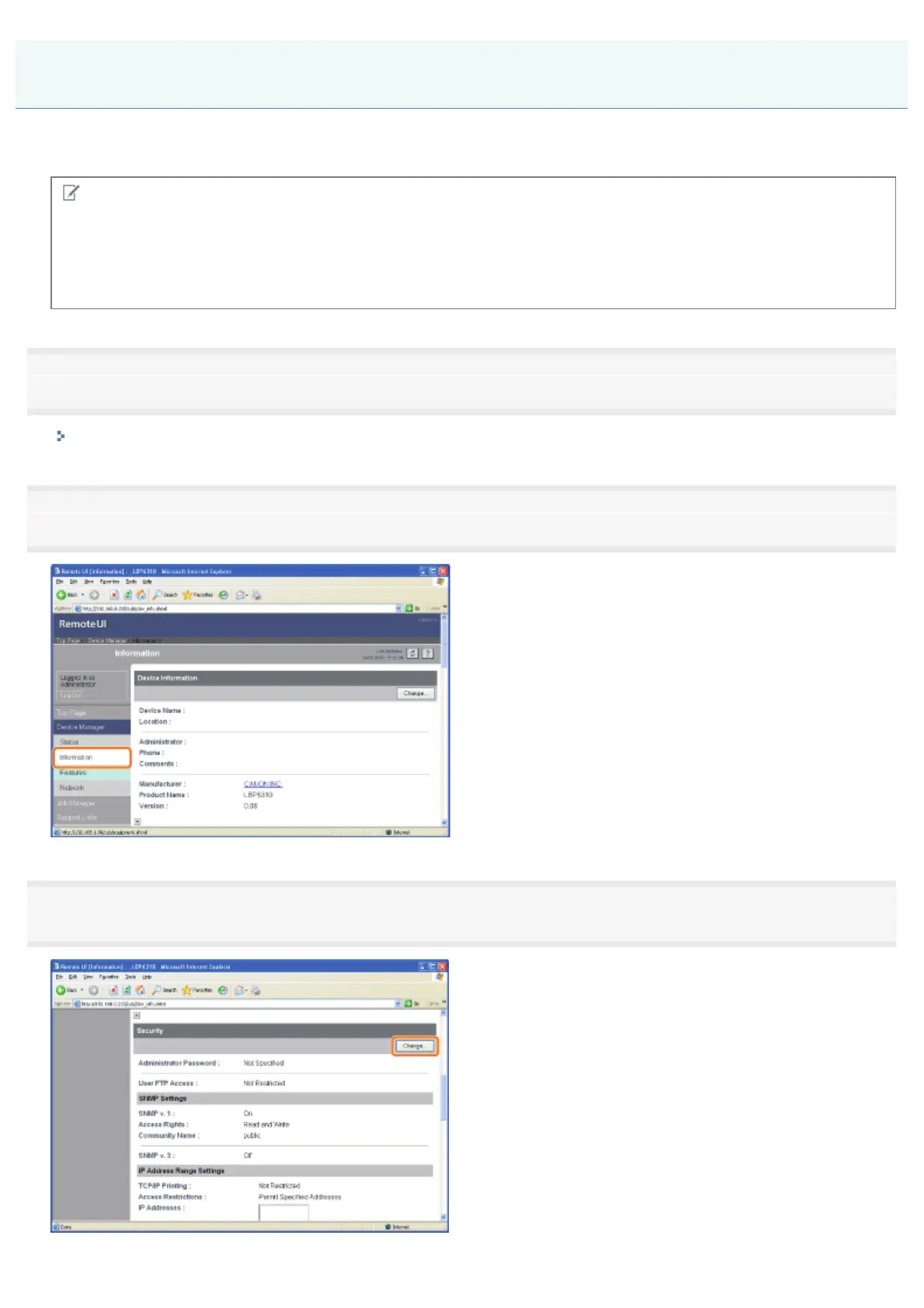
Select [Information] from the [Device Manager] menu.
3
Click [Change] under [Security].
Restricting the Users Who Can Perform Multicast Discovery
㻟㻡㻝㻌㻛㻌㻠㻡㻞














 To Next Page