07K5-09F
You can specify the settings for auto shutdown using the following procedure.
NOTE
Precautions when sharing the printer
You cannot change the settings with the shared printer. Change the settings from the environment in which a local
printer is installed.
1
Insert the supplied CD-ROM "User Software" into the CD-ROM drive of your computer.
2
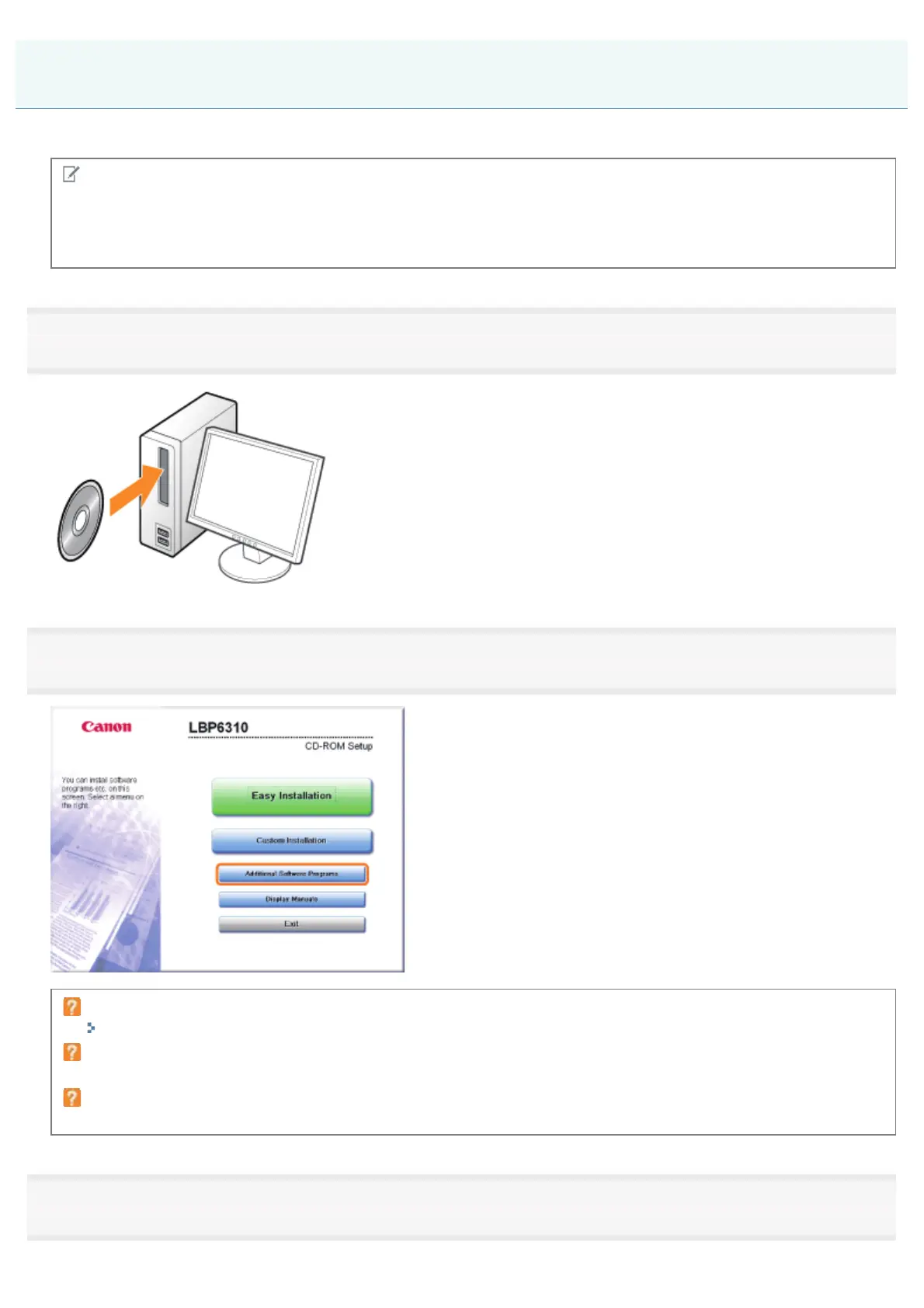
Click [Additional Software Programs].
If the above screen does not appear
"Basic Operations/Various Information for Windows"
If the [AutoPlay] dialog box appears
Click [Run AUTORUN.EXE].
If the [User Account Control] dialog box appears
Click [Yes] or [Continue].
3
Click [Start] in [Auto Shutdown Tool].
Auto Shutdown
㻡㻣㻌㻛㻌㻠㻡㻞














 To Next Page