07K5-03H
Confirming usable custom size paper
This printer can use the following custom size paper.
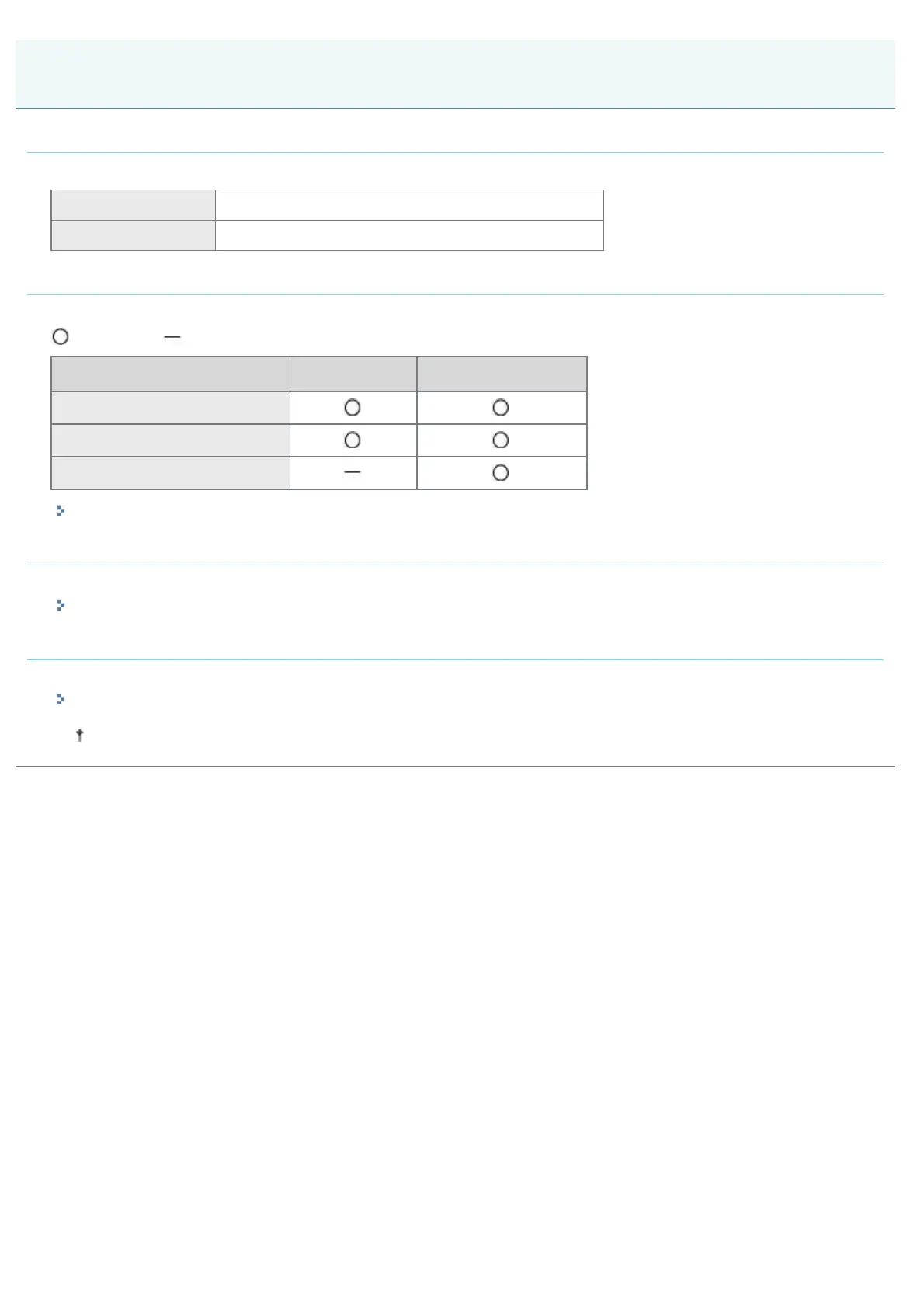
Paper drawer Width 105.0 to 215.9 mm, Length 148.0 to 355.6 mm
Multi-purpose tray Width 76.2 to 215.9 mm, Length 127.0 to 355.6 mm
Loading custom size paper
The custom size paper which you can load in the paper drawer or multi-purpose tray varies depending on the paper type.
: Available : Unavailable
Paper Type Paper Drawer Multi-purpose Tray
Plain paper (60 to 90 g/m
2
)
Heavy paper (91 to 120 g/m
2
)
Heavy paper (121 to 163 g/m
2
)
"Loading Custom Size Paper"
Registering a custom paper size
If printing custom size paper, you need to register the custom paper size in the printer driver previously.
"Registering a Custom Paper Size"
Printing from an application
After loading custom size paper, perform printing.
"Basic Printing Procedure"
The print speed drops when printing on heavy paper (91 to 163 g/m
2
).
Printing on Custom Size Paper
㻝㻣㻜㻌㻛㻌㻠㻡㻞














 To Next Page