07K5-04L
Changing the Default Values for Printing Preferences
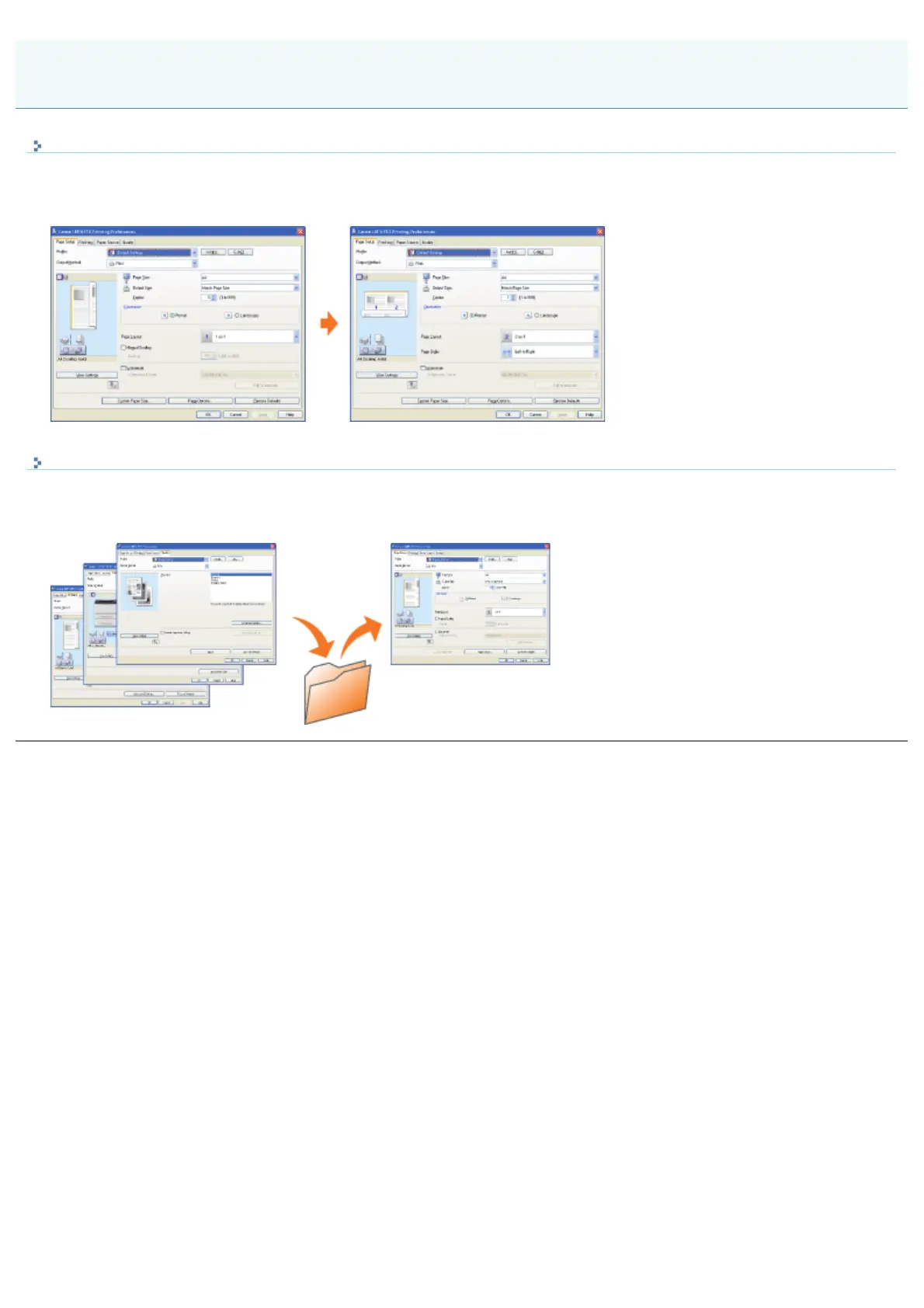
Change the default values for printing preferences which apply to all data.
For example, if you perform layout printing frequently, you do not need to change the settings each time you print by
changing the default values for [Page Layout].
Saving Frequently Used Printing Preferences (Adding/Editing/Deleting a "Profile")
You can save frequently used multiple printing preferences as "Profiles." You can perform printing with the registered
settings by only selecting the desired "Profile."
Also, some settings that support various jobs are registered as the default "Profiles."
Registering the Printing Preferences
㻞㻞㻟㻌㻛㻌㻠㻡㻞














 To Next Page