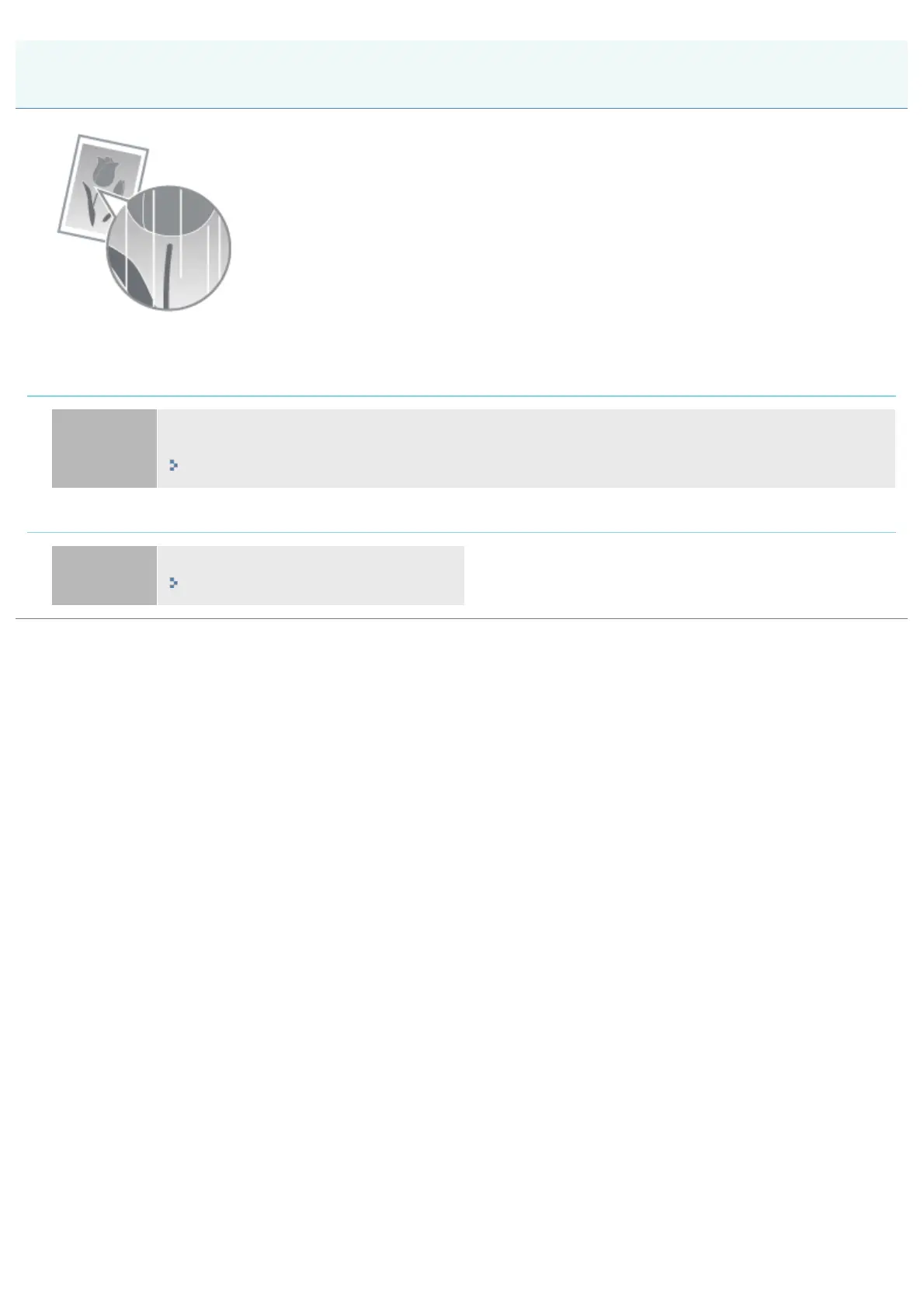
07K5-08A
Perform one of the following solutions according to the cause.
<Cause 1> The toner cartridge is almost out of toner.
Solution
Take the toner cartridge out of the printer, shake it gently five or six times to evenly distribute the toner,
and then reinstall the toner cartridge.
"Toner Cartridge Replacement"
<Cause 2> The drum in the toner cartridge is deteriorated.
Solution
Replace the toner cartridge with a new one.
"Toner Cartridge Replacement"
White Streaks (Lines) Appear
㻠㻞㻝㻌㻛㻌㻠㻡㻞














 To Next Page