07K5-02F
The process of removing the printer driver to restore the computer to the same state as before the printer driver was
installed is referred to as uninstallation. To uninstall the printer driver, perform the following procedure.
1
If a USB cable is connected, turn OFF the printer and computer, and then remove the USB cable.
2
Turn the computer on, and then log on to Windows as a user with administrative rights.
3
Close the following files and programs if open.
Help files
Printer Status Window
Control Panel
Other applications
4
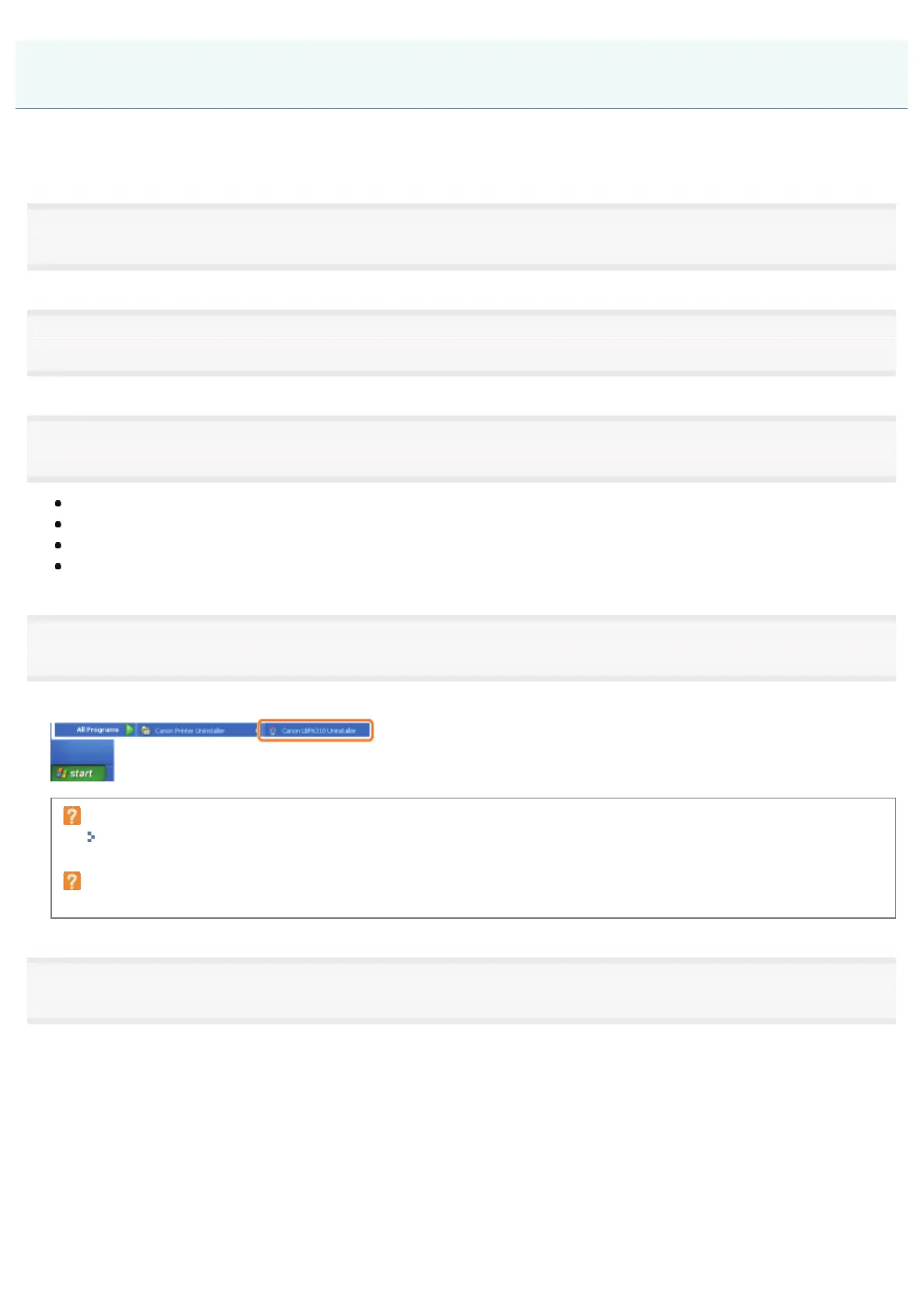
Start the uninstaller.
)URPWKH>6WDUW@PHQXVHOHFW>$OO3URJUDPV@RU>3URJUDPV@ĺ>&DQRQ3ULQWHU8QLQVWDOOHU@ĺ>&DQRQ/%38QLQVWDOOHU@
If the uninstaller is not found in the [Start] menu
"Starting the Uninstaller from [Control Panel]"
If the [User Account Control] dialog box appears
Click [Continue] or [Yes].
5
Perform the following procedure.
If this printer is displayed
(1) Select this printer.
(2) Click [Delete].
Uninstalling the Printer Driver
㻝㻞㻢㻌㻛㻌㻠㻡㻞














 To Next Page