07K5-06Y
This section describes the procedure for specifying the settings using the Remote UI. To specify the settings using FTP
Client, see "FTP Client."
NOTE
When restricted users access to print or perform some other operation
The message <Network Board Error> appears in the Printer Status Window.
1
Start the Remote UI, and then log in as Administrator.
"Starting the Remote UI"
2
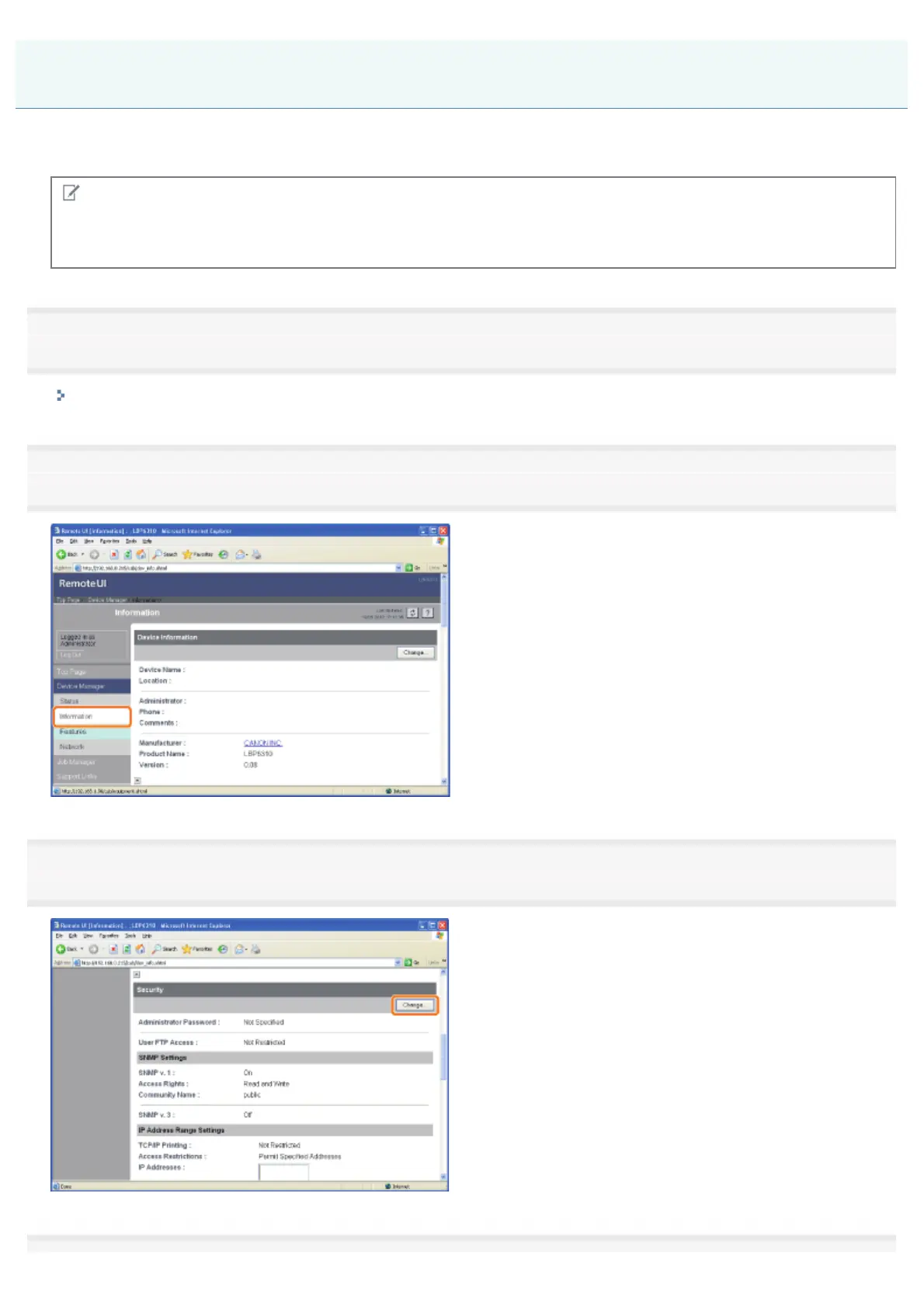
Select [Information] from the [Device Manager] menu.
3
Click [Change] under [Security].
Restricting the Users Who Can Access
㻟㻡㻡㻌㻛㻌㻠㻡㻞














 To Next Page