4
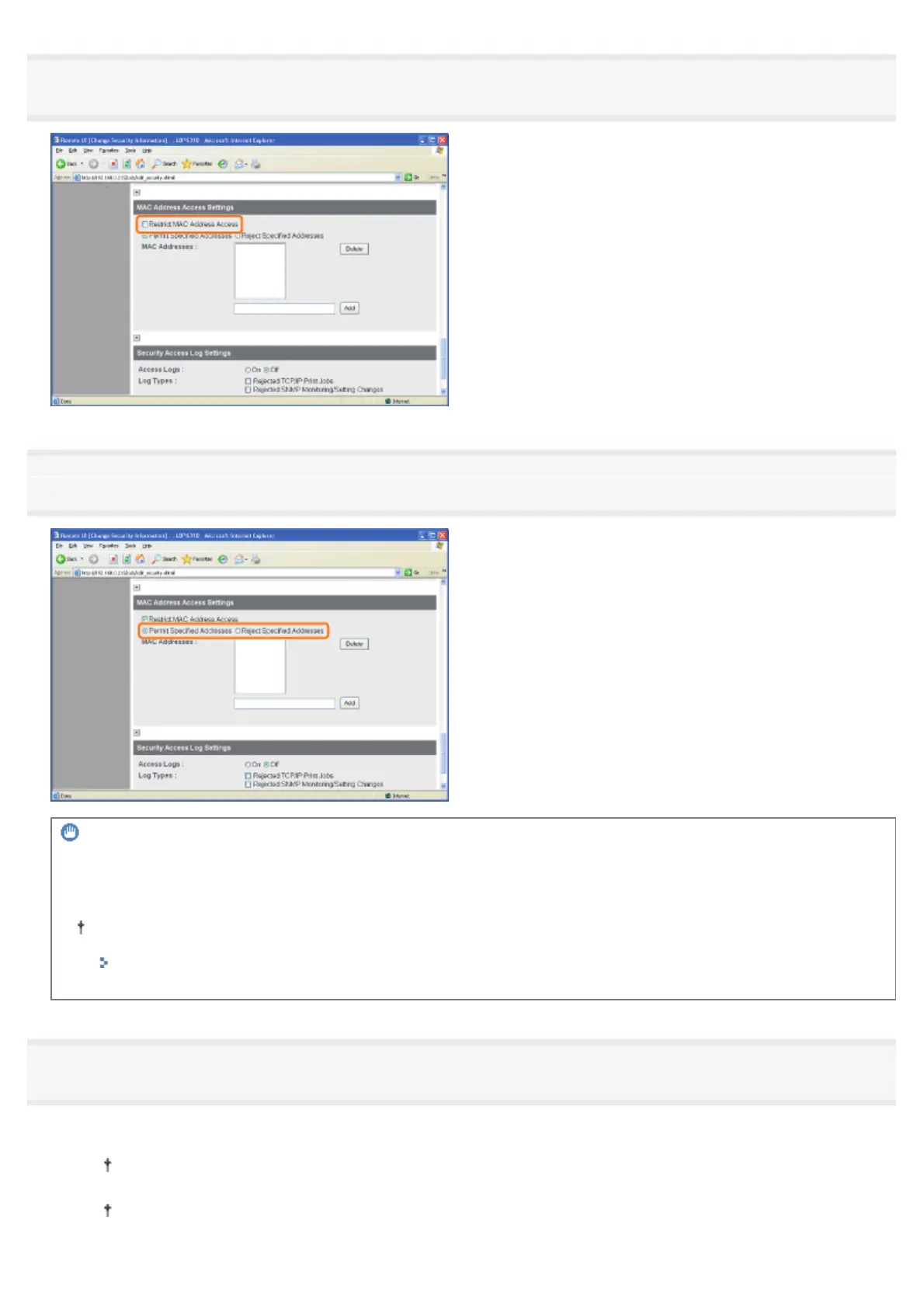
Select the [Restrict MAC Address Access] check box.
5
Select [Permit Specified Addresses] or [Reject Specified Addresses].
IMPORTANT
When [Permit Specified Addresses] is selected
You cannot access from an unauthorized MAC address. Therefore, confirm the MAC address when entering it.
If there is no corresponding MAC address, you cannot access the network. In this case, you can access the
network by initializing the network settings.
"Initializing the Network Settings"
6
Set the MAC address.
(1) Enter the MAC address of a device for which you permit or reject accessing.
Enter 12-digit alphanumeric characters as 0123456789ab without separating them with "-" (hyphen) or ":"
(colon).
You can set up to 20 MAC addresses.
㻟㻡㻢㻌㻛㻌㻠㻡㻞














 To Next Page