07K5-037
1
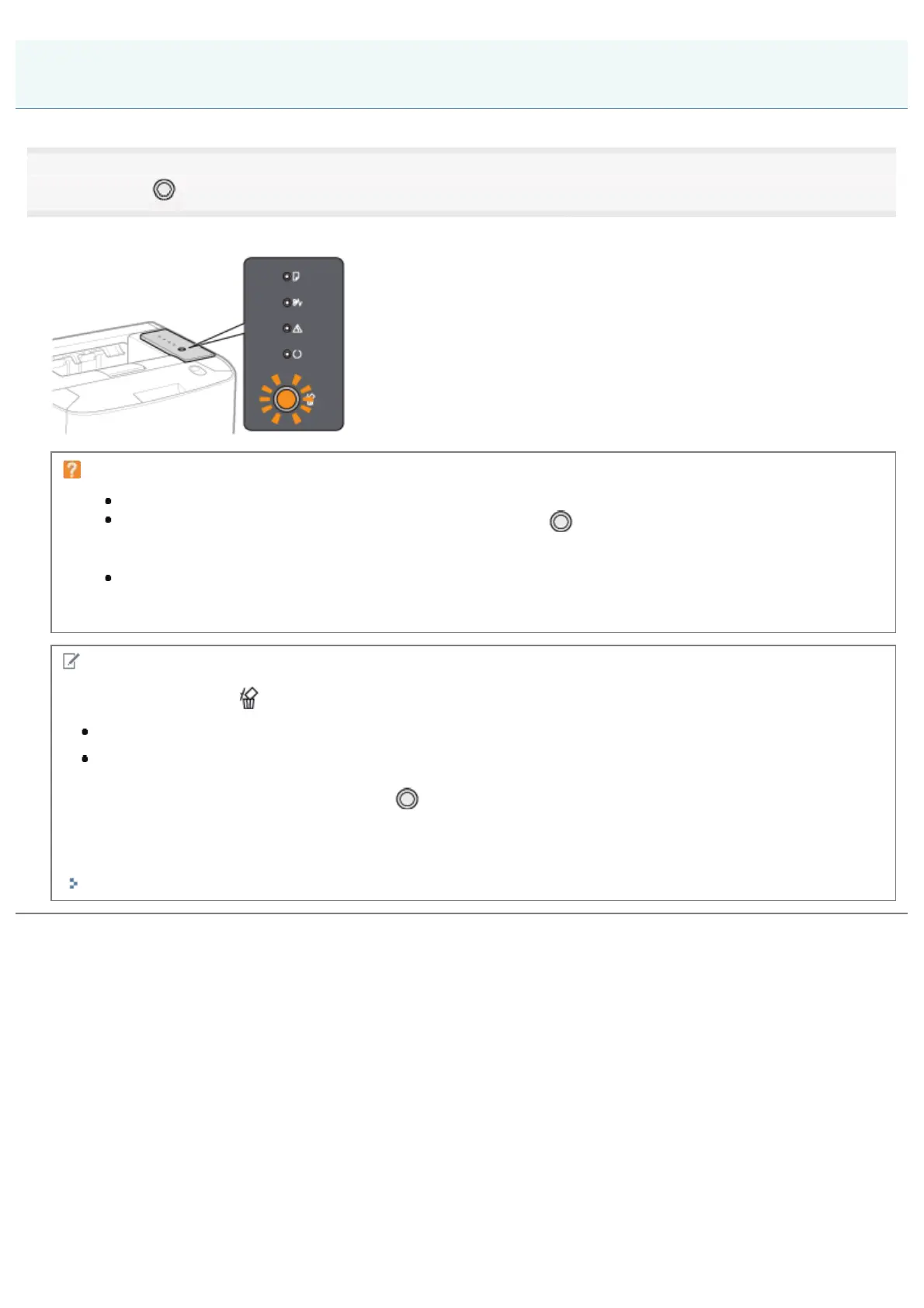
Pressing the [ ] (Cancel Job) key on the control panel cancels the job.
When the key is released, the printer begins canceling the job.
If you cannot cancel a job
You cannot cancel the pages in process of printing.
If the printer switches from one print job to another while the [
] (Cancel Job) key is being pressed (if
the job when the key is pressed and the job when the key is released are different), both the jobs cannot
be canceled.
Depending on the settings for the [Settings of the Cancel Job Key] dialog box in the Printer Status Window,
you may not be able to cancel a job.
NOTE
The meanings of the
(Cancel Job) indicator (orange)
While the key is being pressed: On
While a job is being canceled: Blinking
Specifying the types of jobs which the [
] (Cancel Job) key can cancel
You can specify the types of jobs which can be canceled in the [Settings of the Cancel Job Key] dialog box in the Printer
Status Window.
For details on the [Settings of the Cancel Job Key] dialog box, see Help.
"How to Use Help"
Canceling a Print Job Using the Cancel Job Key
㻝㻢㻞㻌㻛㻌㻠㻡㻞














 To Next Page