07K5-04U
1
Display the setting screen of the printer driver.
"Displaying the Setting Screen"
2
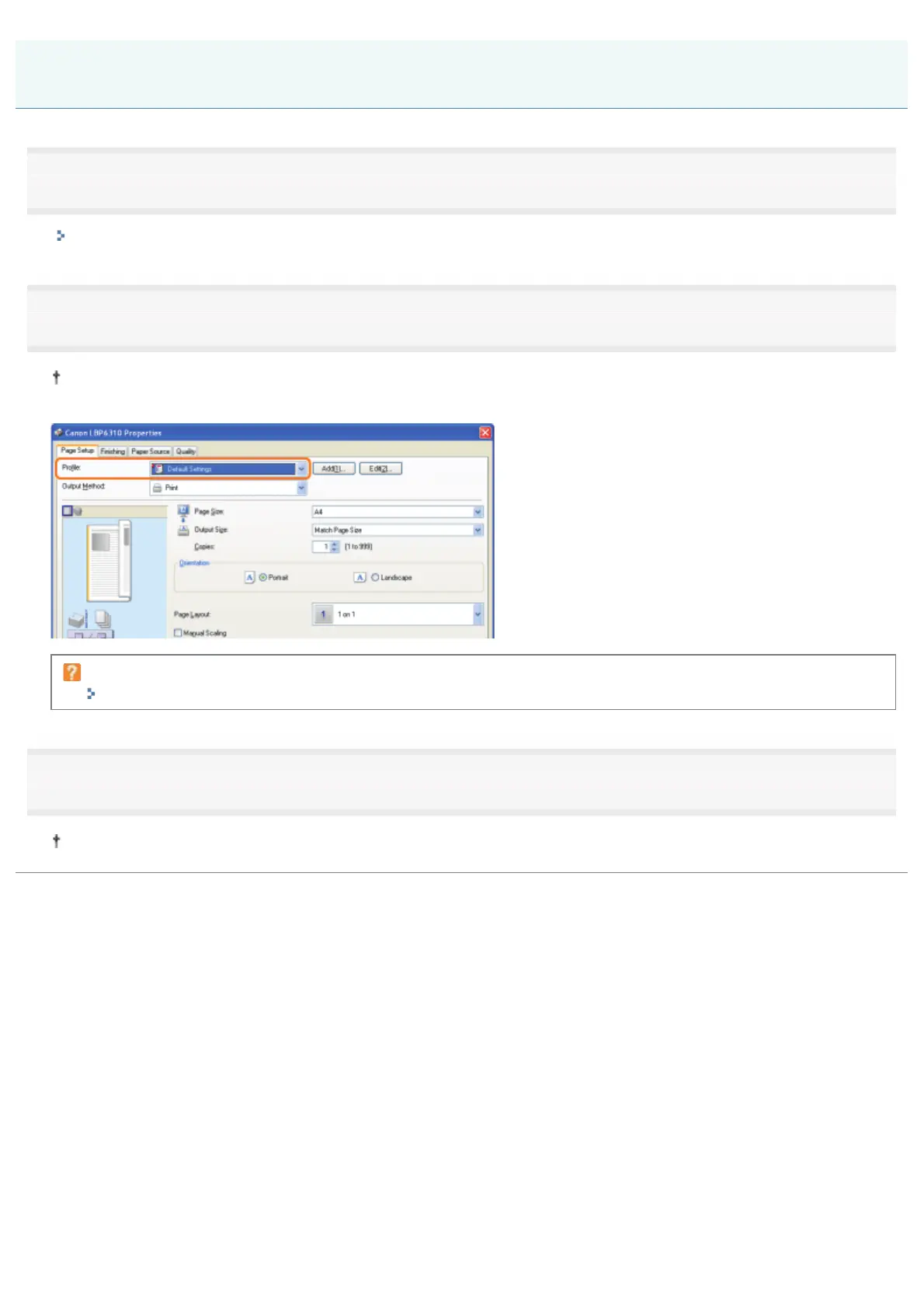
Select a "Profile."
If the printer name is changed, any added "Profiles" cannot be used. To use the added "Profile", change the printer
name to its previous one.
If you cannot select a "Profile"
""Profiles" Cannot Be Selected or Edited"
3
Click [OK].
For details on the basic printing procedure, see "Basic Printing Procedure."
Selecting a "Profile"
㻞㻞㻥㻌㻛㻌㻠㻡㻞














 To Next Page