07K5-01L
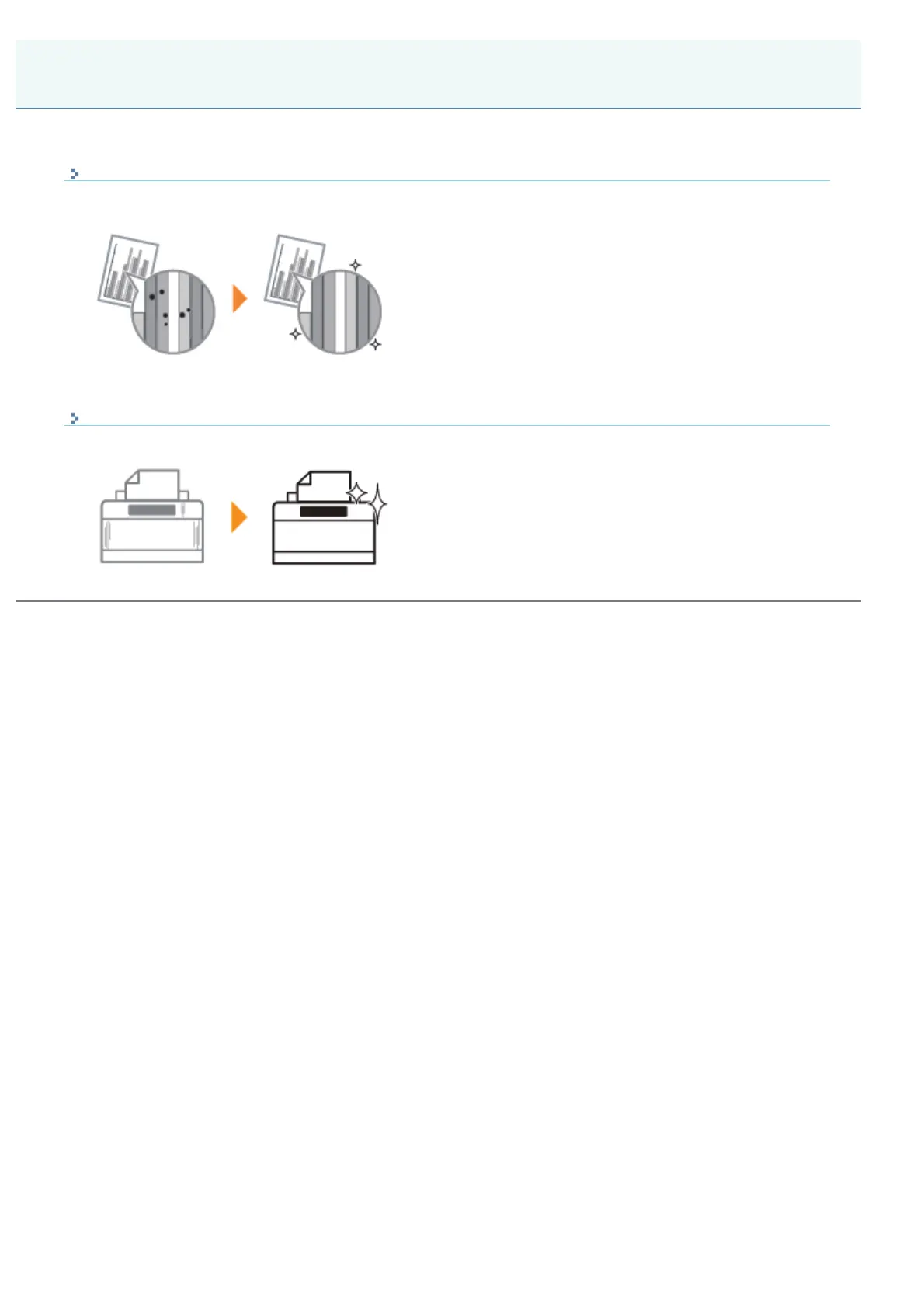
Cleaning the Inside of the Printer
If the printed paper has smudge marks, clean the inside of the printer.
Cleaning the inside of the printer can prevent print quality deterioration.
Cleaning the Outside of the Printer
Periodically clean the outer surfaces and ventilation slots of the printer to maintain the optimal printing quality.
Cleaning the Printer
㻣㻢㻌㻛㻌㻠㻡㻞














 To Next Page