07K5-038
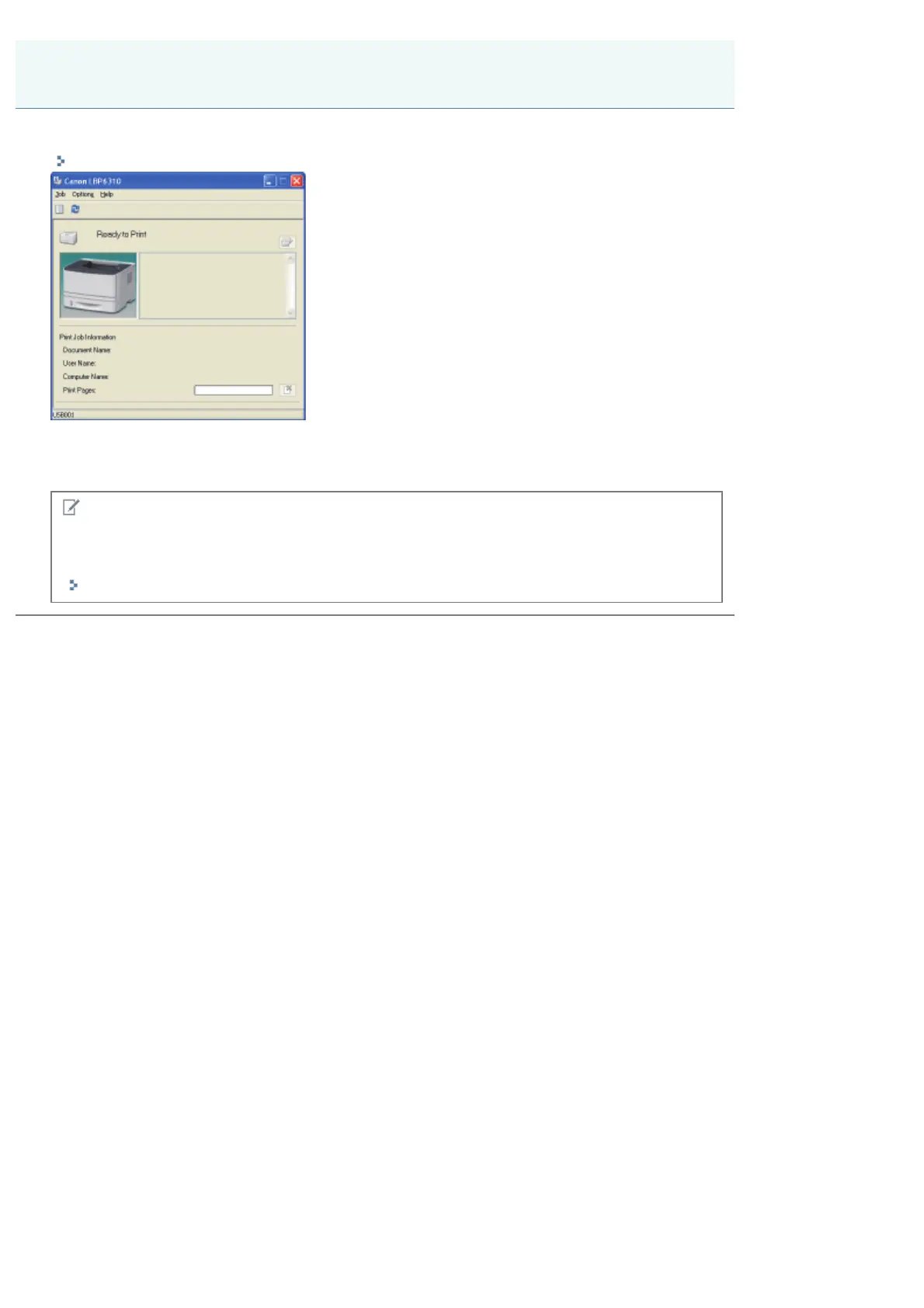
You can check the current printer status using the Printer Status Window.
"Printer Status Window"
The Printer Status Window shows the current printer status with messages, animations, and icons.
If you find any problems with the printer, check the Printer Status Window.
NOTE
If you are connecting the printer and computer with a LAN cable
You can also check the printer status in the [Status] page in the Remote UI.
"Screen Layout of the Remote UI (Details on Each Setting Page)"
Checking the Printer Status
㻝㻢㻟㻌㻛㻌㻠㻡㻞














 To Next Page