07K5-045
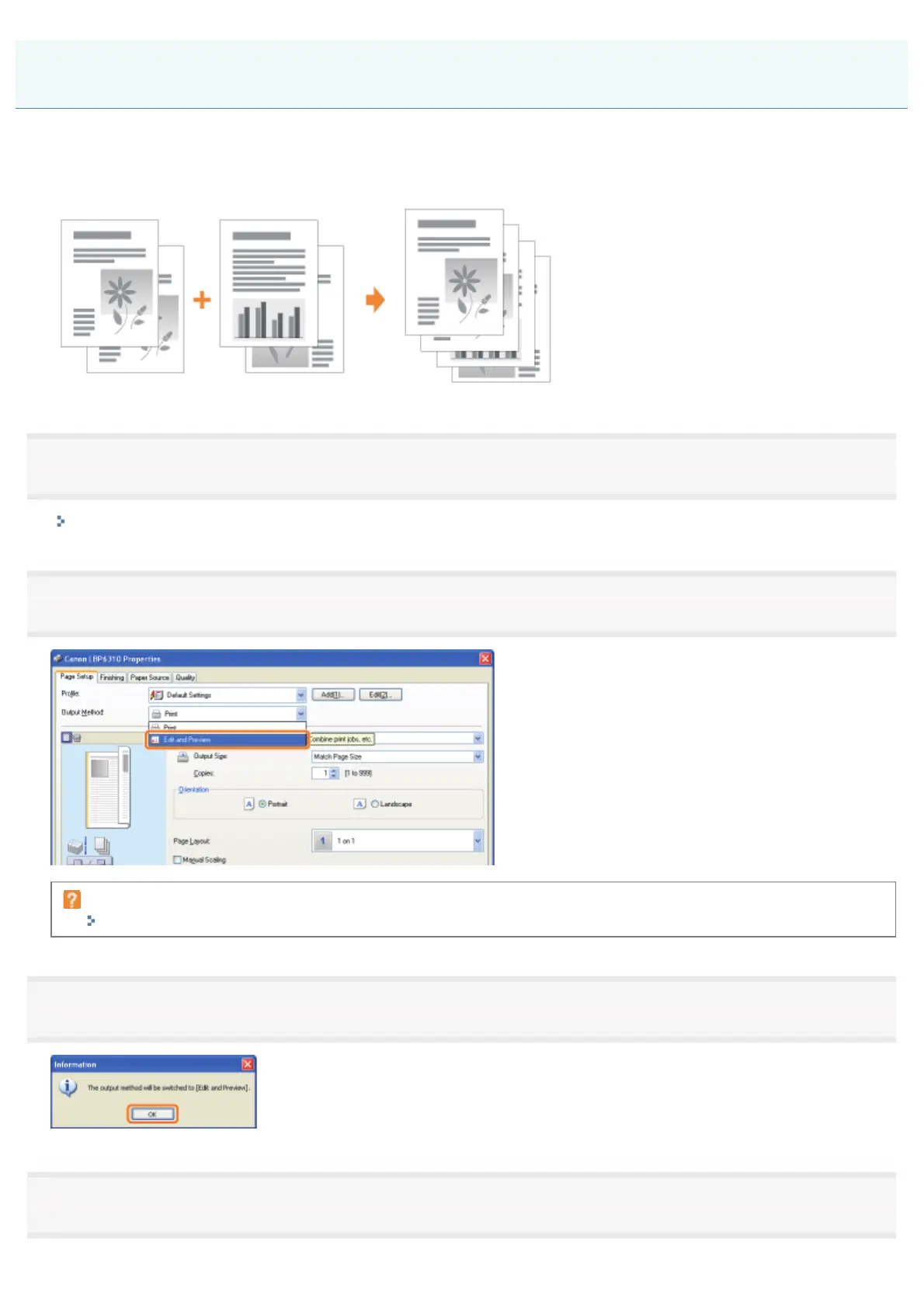
You can combine two or more data into one.
You can also change the settings for the combined print data and edit print data of different applications.
You can also preview the print data.
1
Display the setting screen of the printer driver from an application.
"Displaying the Setting Screen"
2
Select [Edit and Preview] from [Output Method].
If you cannot select [Edit and Preview]
"The Printer Driver Settings Cannot Be Changed"
3
Click [OK].
4
Configure the printing preferences.
Combining Data before Printing
㻞㻜㻜㻌㻛㻌㻠㻡㻞














 To Next Page