07K5-04A
You can print with the print data rotated 180 degrees when the orientation of the paper loaded in a paper source differs
from the orientation of the document.
This option is useful for printing envelopes and Index Card that can be fed only in specific orientations.
1
Display the setting screen of the printer driver.
"Displaying the Setting Screen"
2
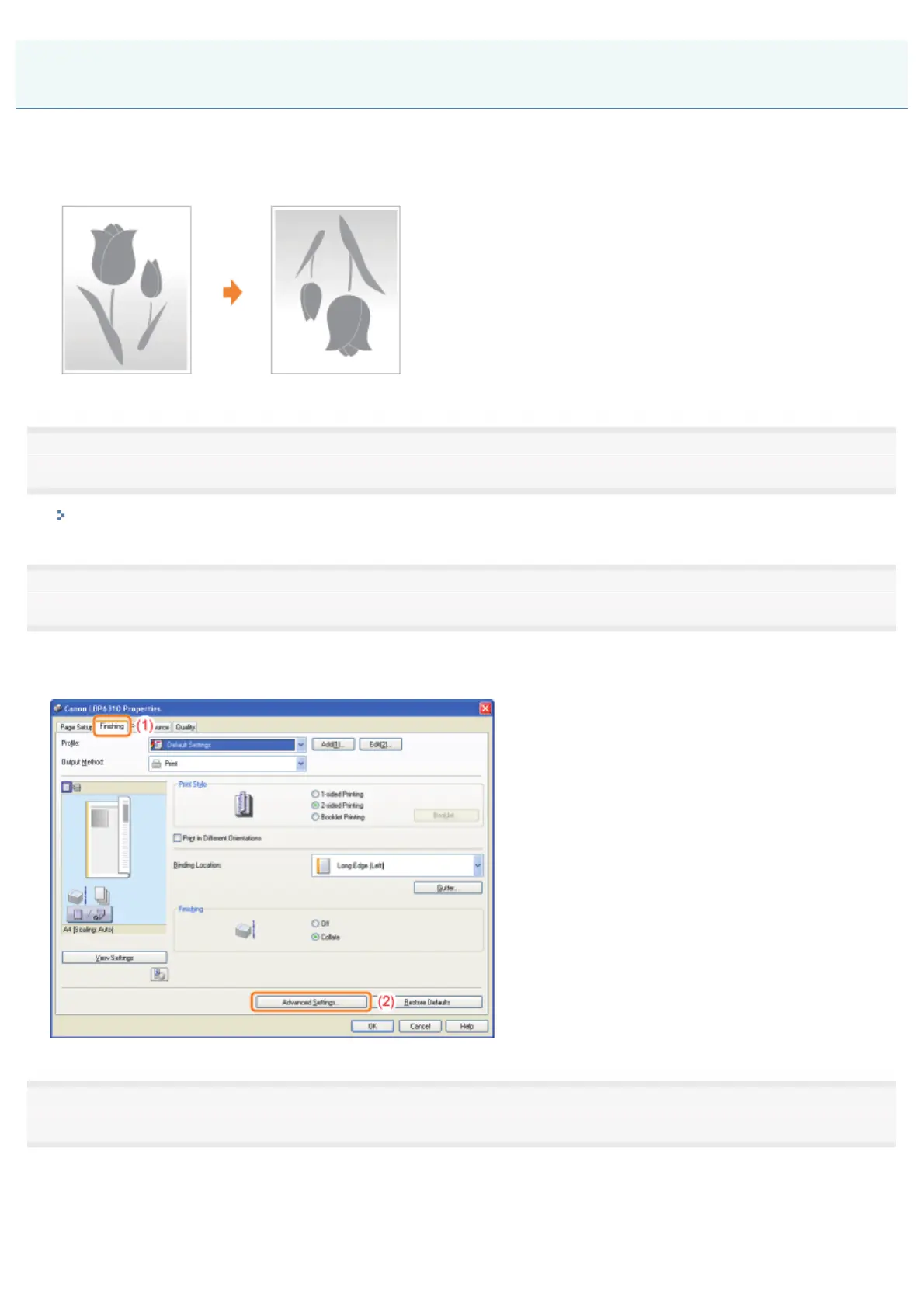
Display the [Advanced Settings] dialog box.
(1) Display the [Finishing] sheet.
(2) Click [Advanced Settings].
3
Specify the setting for [Rotate Print Data 180 Degrees].
(1) Select [Rotate Print Data 180 Degrees].
(2) Select [On].
(3) Click [OK]. Then, the [Finishing] sheet reappears.
Printing with the Page 180 Degrees Rotated
㻞㻝㻝㻌㻛㻌㻠㻡㻞














 To Next Page