07K5-01F
When the toner cartridge is nearing the end of its life, perform the following procedure before replacing the toner cartridge.
You may be able to print for a while until the toner is used up completely.
Before performing the following procedure, see "Attention (Toner Cartridge)."
1
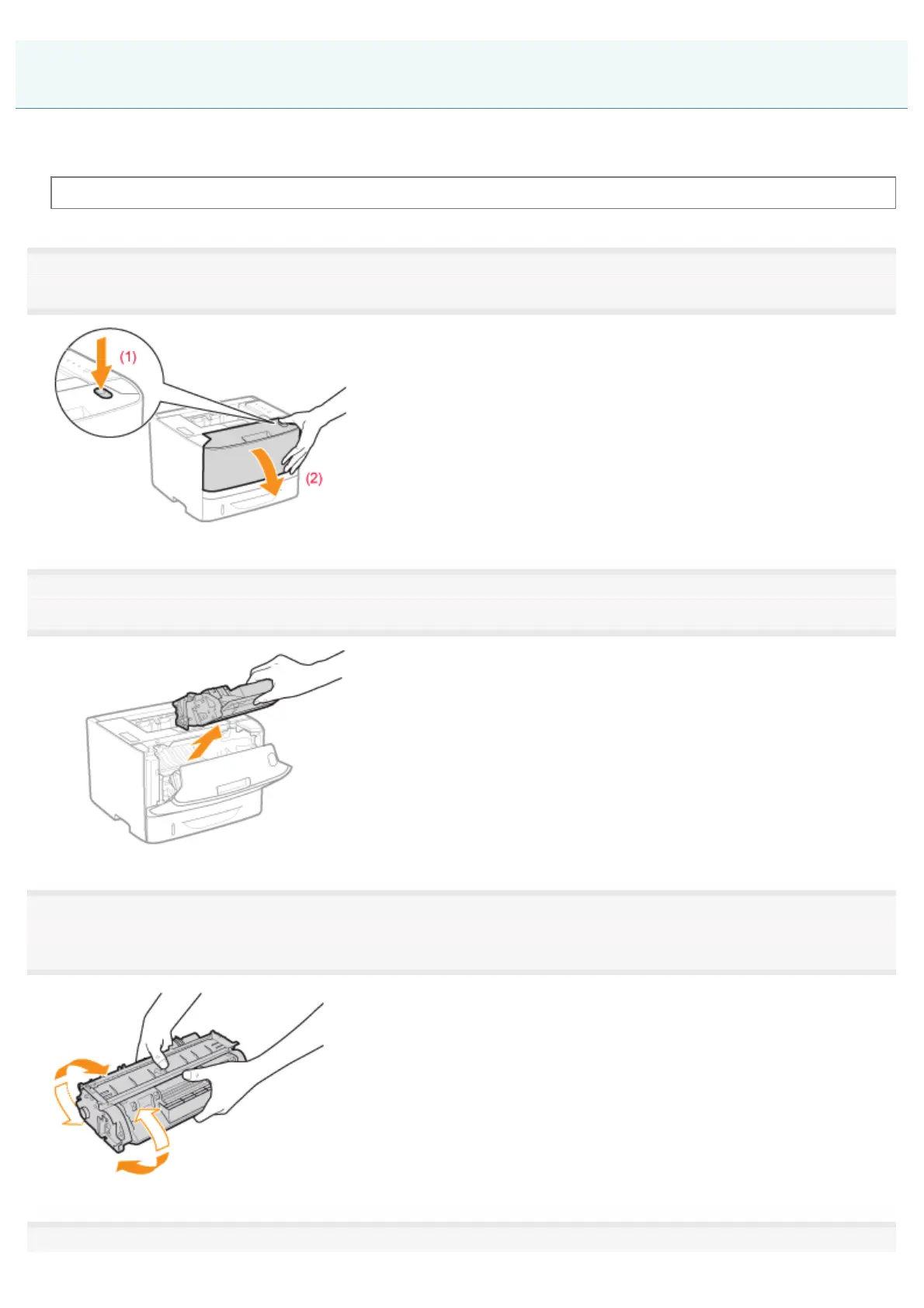
Open the front cover while pressing the open button.
2
Remove the toner cartridge.
3
Shake the toner cartridge five or six times as shown in the figure to evenly distribute the toner inside
the cartridge.
4
Before Replacing the Toner Cartridge
㻢㻣㻌㻛㻌㻠㻡㻞














 To Next Page