07K5-07K
Perform the following procedure.
Solution 1
Start the uninstaller directly from the supplied CD-ROM, and then uninstall
the printer driver.
"Starting the Uninstaller from the CD-ROM"
"Uninstalling the Printer Driver"
Solution 2
(Only when connecting with USB)
Uninstall the USB class driver.
"Uninstalling the USB Class Driver"
NOTE
If a user without administrative rights installed the printer driver
You may not be able to uninstall the printer driver successfully depending on your operating system.
In this case, uninstall the printer driver using the following procedure.
1. Open the printer folder.
"Basic Operations/Various Information for Windows"
2. Right-click the icon for this printer, then select [Delete] or [Remove device] from the pop-up menu.
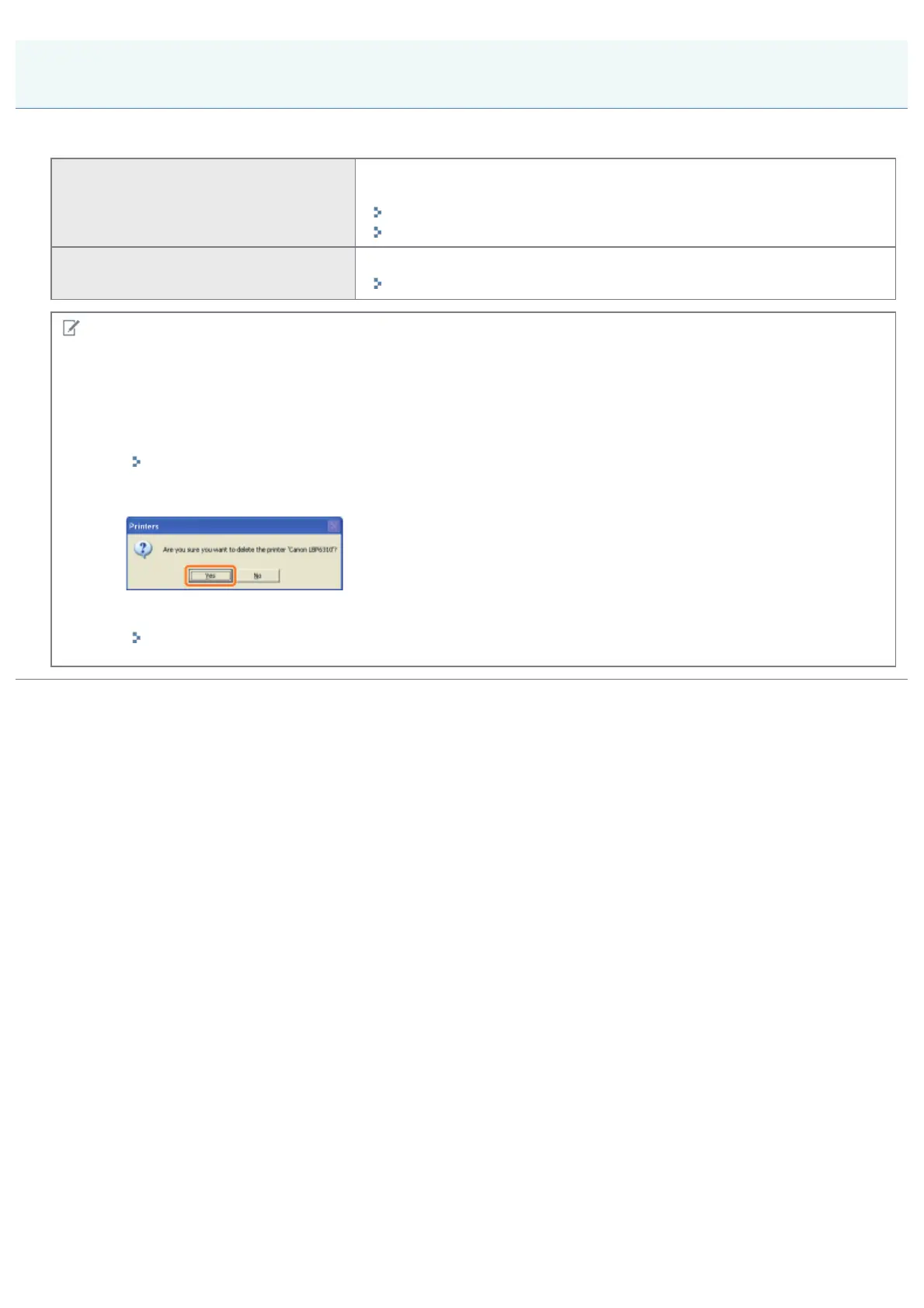
3. Click [Yes].
4. Uninstall the printer driver using the uninstaller.
"Uninstalling the Printer Driver"
You Cannot Uninstall the Printer Driver
㻟㻤㻡㻌㻛㻌㻠㻡㻞














 To Next Page