4
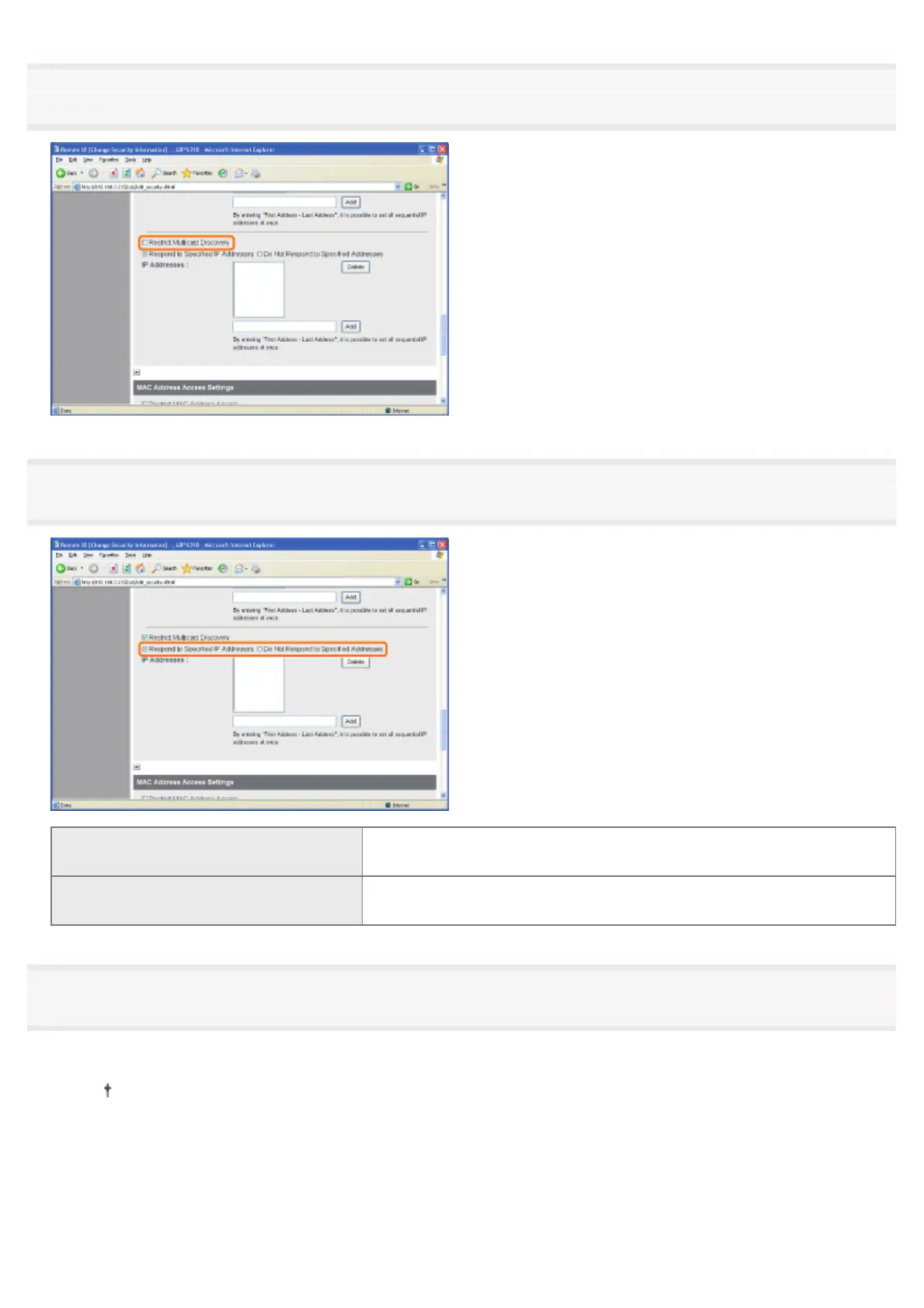
Select the [Restrict Multicast Discovery] check box.
5
Select [Respond to Specified IP Addresses] or [Do Not Respond to Specified Addresses].
[Respond to Specified IP Addresses]
Only users specified in [IP Addresses] can respond to searches that used
the multicast discovery function.
[Do Not Respond to Specified Addresses]
Users specified in [IP Addresses] cannot respond to searches that used
the multicast discovery function.
6
Set the IP address.
(1) Enter an IP address that can respond or cannot respond to searches that used the multicast discovery.
Enter the IP address by separating the numbers with "." (period), for example, AAA.BBB.CCC.DDD.
(2) Click [Add].
㻟㻡㻞㻌㻛㻌㻠㻡㻞














 To Next Page