)URPWKH>6WDUW@PHQXVHOHFW>$OO3URJUDPV@RU>3URJUDPV@ĺ>$FFHVVRULHV@ĺ>:LQGRZV([SORUHU@
2
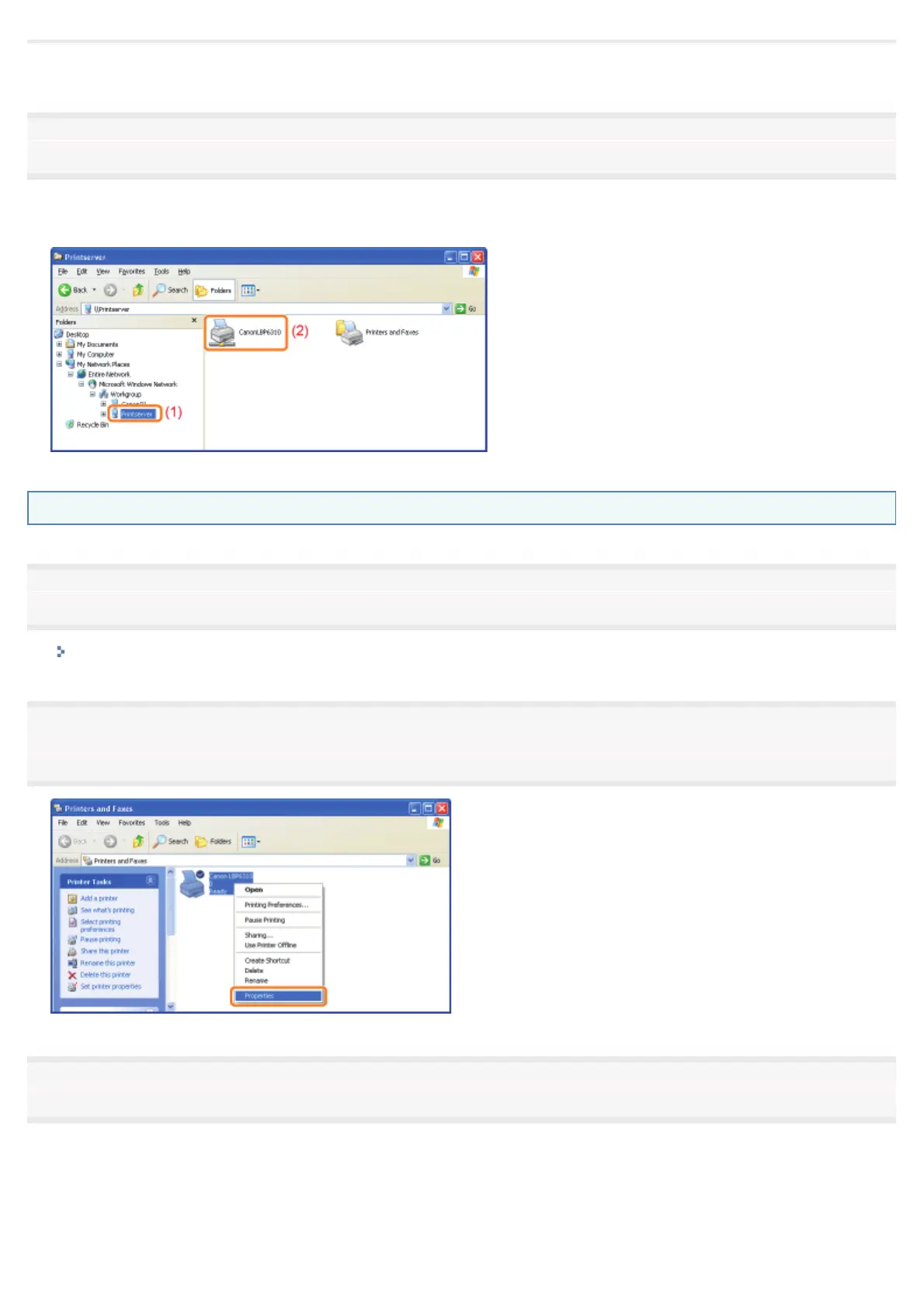
Check printers in the print server.
(1) Select the print server from [My Network Places] or [Network].
(2) Check the icon for this printer is displayed.
Checking the Port
1
Open the printer folder.
Displaying the Printer Folder
2
Right-click the icon for this printer, and then select [Properties] or [Printer properties] from the pop-
up menu.
3
Check a port.
(1) Display the [Ports] sheet.
(2) Confirm the port is selected properly.
㻠㻠㻥㻌㻛㻌㻠㻡㻞














 To Next Page