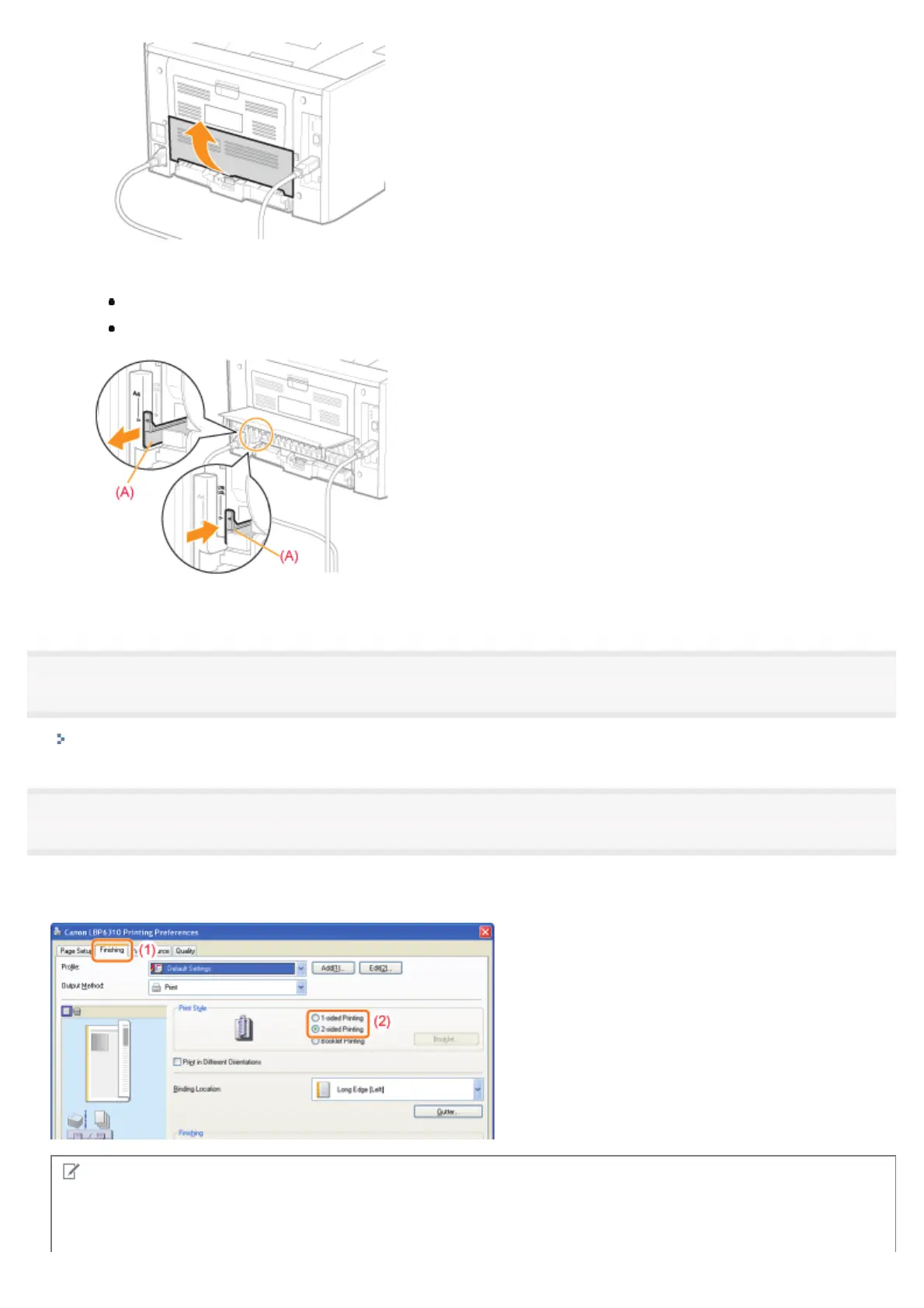
2. Set the blue paper size switch lever (A) to the appropriate position.
A4: Pull the lever toward you.
Letter or Legal: Push the lever into the printer.
3. Close the duplex unit cover.
2
Display the setting screen of the printer driver.
"Displaying the Setting Screen"
3
Specify the setting for [Print Style].
(1) Display the [Finishing] sheet.
(2) Select [1-sided Printing] or [2-sided Printing].
NOTE
Using Preview to specify the setting
You can also specify a print style by clicking the button in Preview.
㻝㻤㻝㻌㻛㻌㻠㻡㻞














 To Next Page