If the above screen does not appear
"Basic Operations/Various Information for Windows"
If the [AutoPlay] dialog box appears
Click [Run AUTORUN.EXE].
If the [User Account Control] dialog box appears
Click [Continue] or [Yes].
5
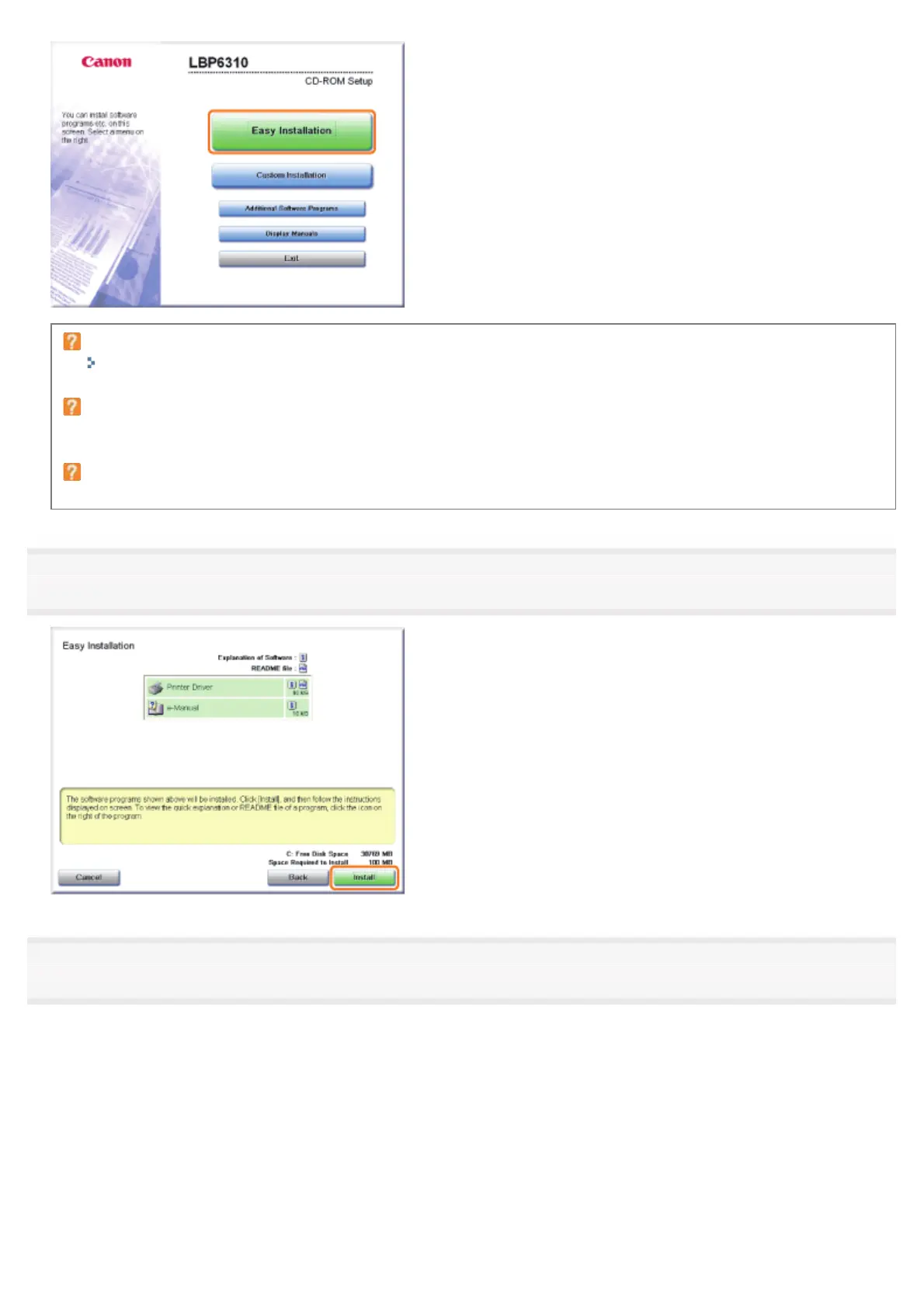
Click [Install].
6
Read the contents of License Agreement, and then click [Yes].
㻝㻜㻟㻌㻛㻌㻠㻡㻞














 To Next Page