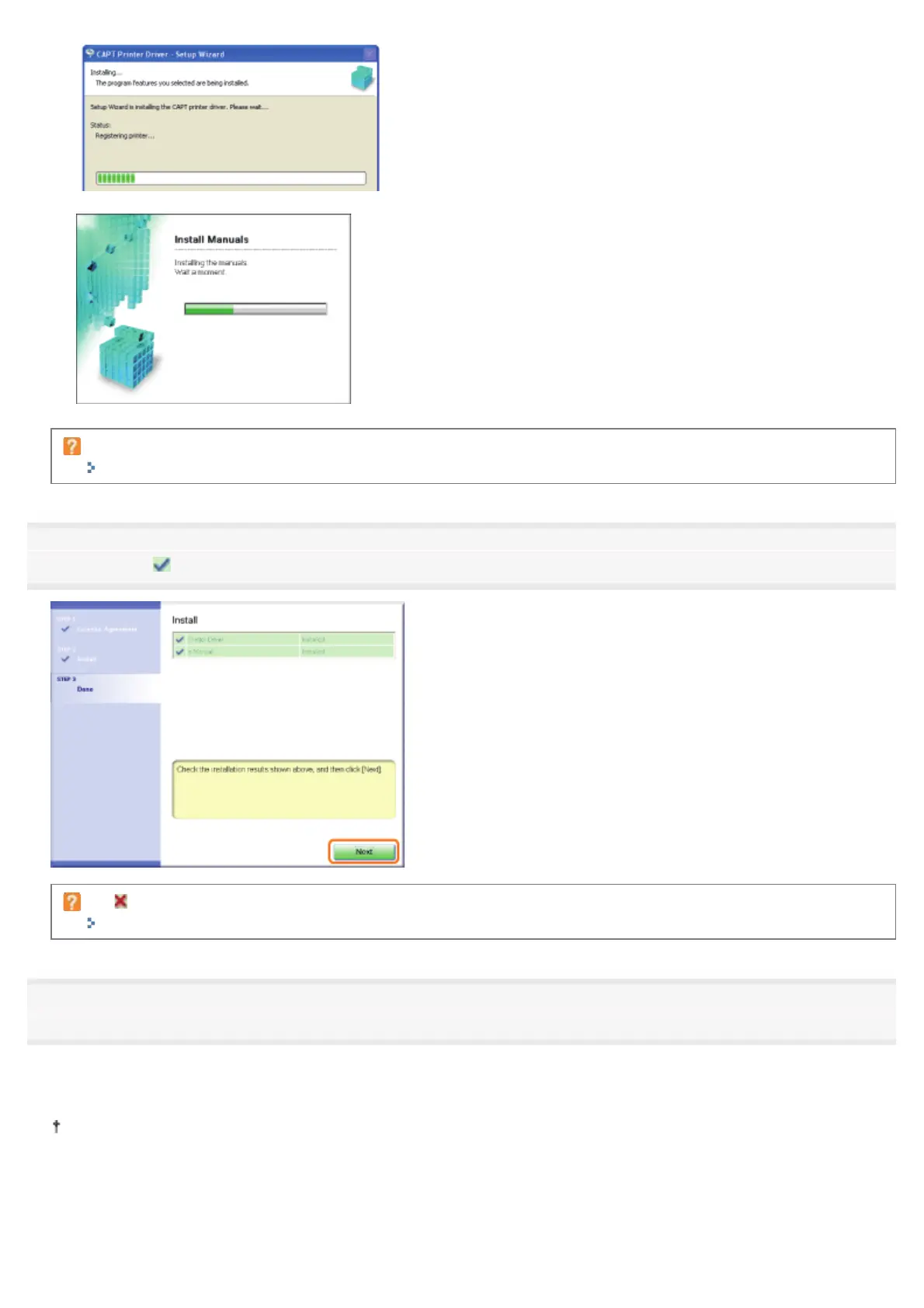
Wait until the following screen disappears. (It may take a long time to install the printer driver.)
If the USB cable is connected but the printer is not automatically recognized
"The Printer Is Not Recognized Automatically (Easy Installation)"
4
Confirm that [ ] appears in [Install], and then click [Next].
If [ ] appears
"You Cannot Install the Printer Driver"
5
Restart your computer.
(1) Select the [Restart Computer Now (Recommended)] check box.
(2) Click [Restart].
When the following screen appears, you can remove the CD-ROM.
㻝㻜㻥㻌㻛㻌㻠㻡㻞














 To Next Page