7
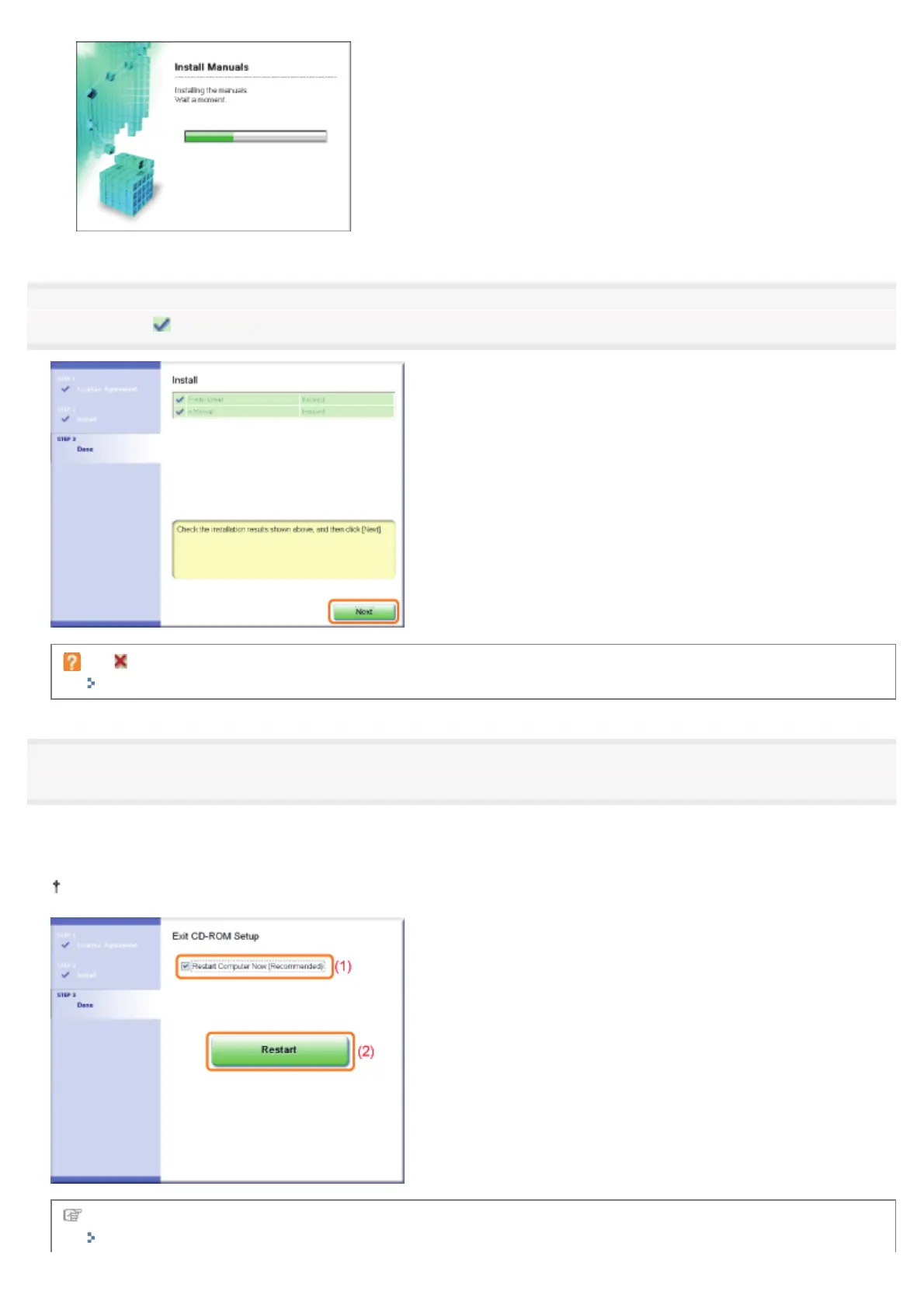
Confirm that [ ] appears in [Install], and then click [Next].
If [ ] appears
"You Cannot Install the Printer Driver"
8
Restart your computer.
(1) Select the [Restart Computer Now (Recommended)] check box.
(2) Click [Restart].
When the following screen appears, you can remove the CD-ROM.
When the installation is complete, an icon and folder for this printer will be created.
"After Installation"
㻝㻝㻡㻌㻛㻌㻠㻡㻞














 To Next Page