8
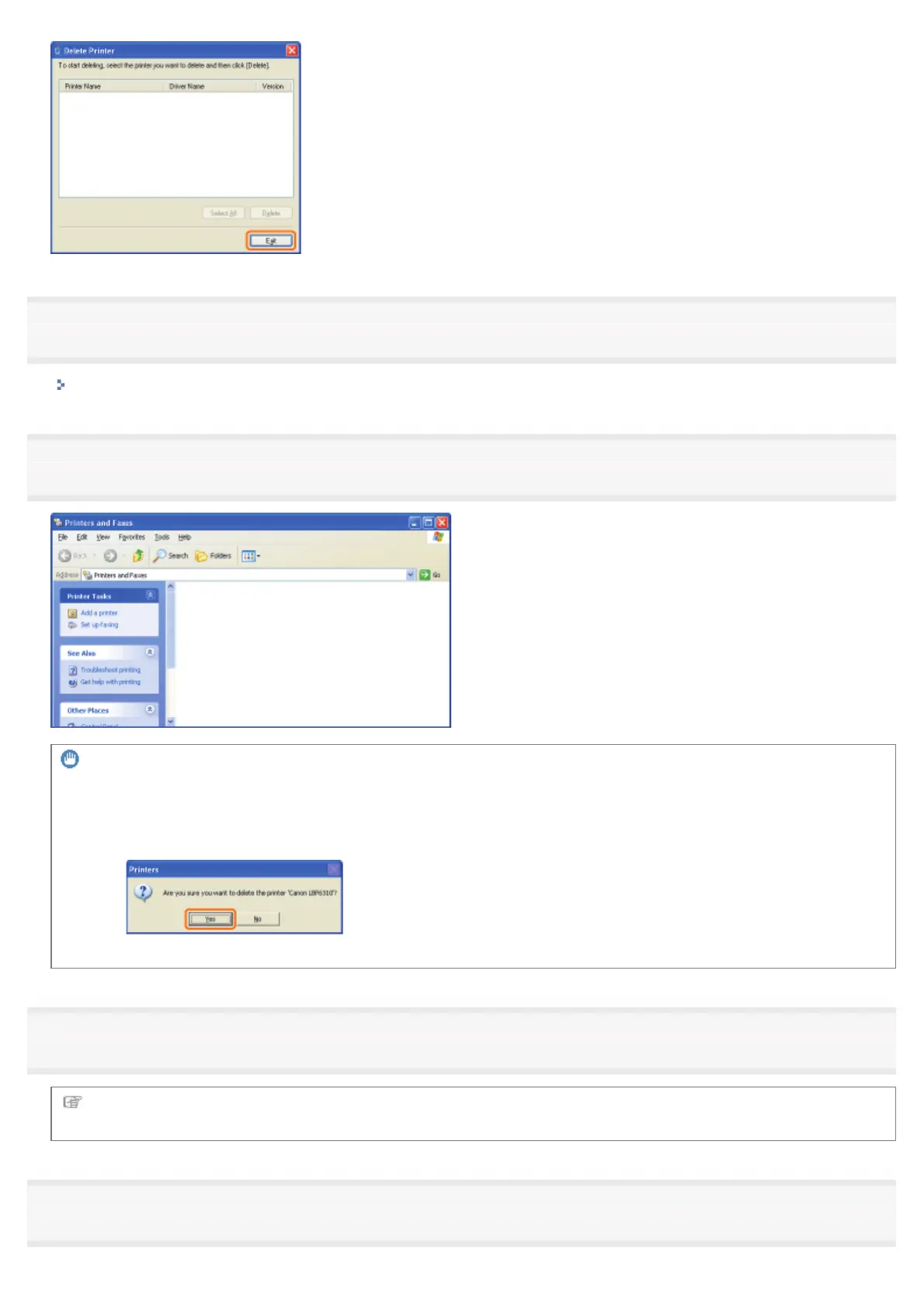
Open the printer folder.
"Basic Operations/Various Information for Windows"
9
Confirm that the icon for this printer is not found.
IMPORTANT
If the icon for this printer is displayed
1. Right-click the icon, and then select [Delete] or [Remove device] from the pop-up menu.
2. Click [Yes].
10
Restart Windows.
Next, uninstall the e-Manual using the following procedure.
(If you did not install the e-Manual, you do not need to perform the following procedure.)
11
Insert the supplied CD-ROM "User Software" into the CD-ROM drive of your computer.
㻝㻞㻤㻌㻛㻌㻠㻡㻞














 To Next Page