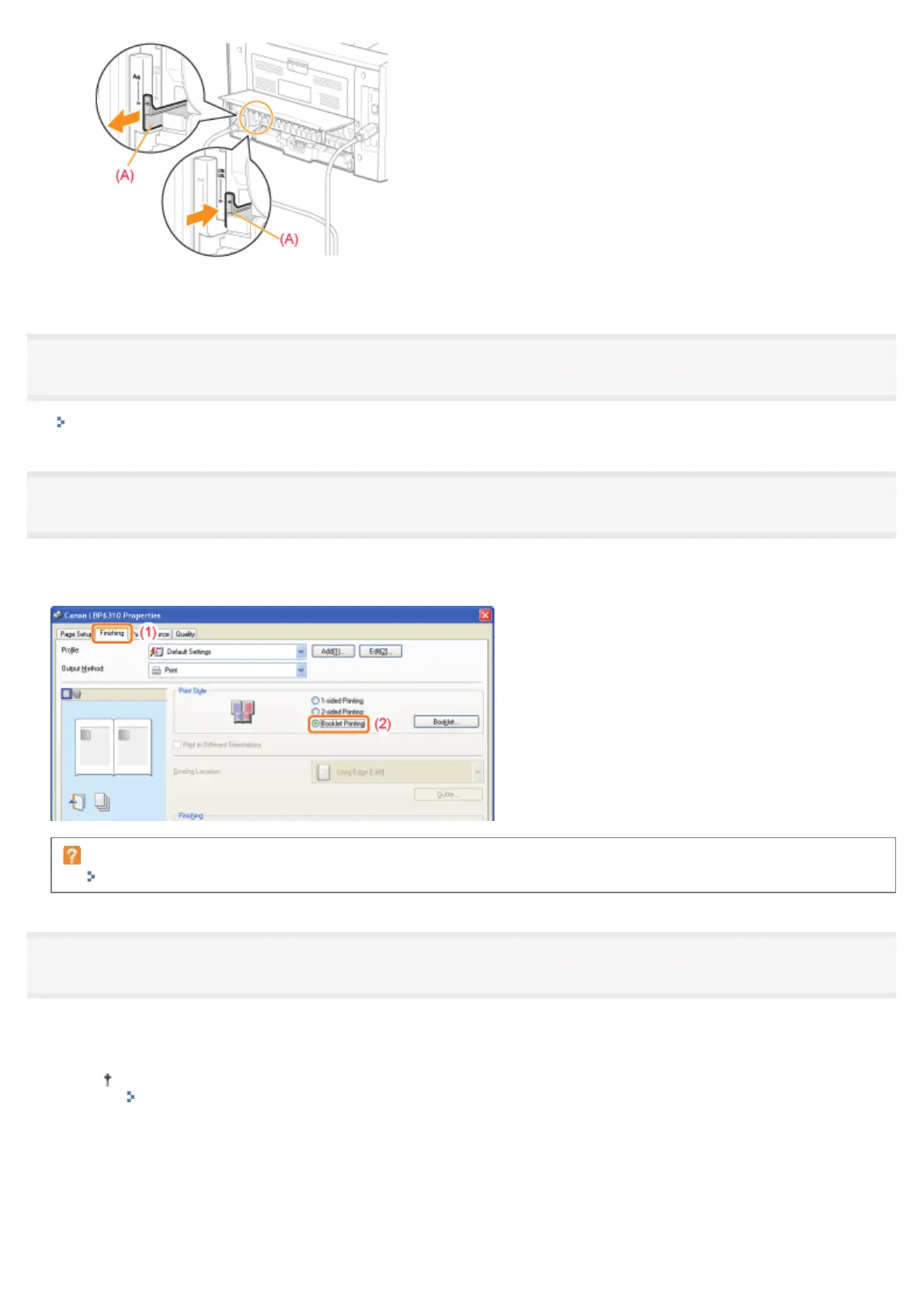
3. Close the duplex unit cover.
2
Display the setting screen of the printer driver.
"Displaying the Setting Screen"
3
Specify the setting for [Print Style].
(1) Display the [Finishing] sheet.
(2) Select [Booklet Printing].
If you cannot specify the setting
"The Printer Driver Settings Cannot Be Changed"
4
Specify the detailed settings for booklet printing as needed.
(1) Click [Booklet].
(2) Specify each setting.
For more details on each setting, see Help.
"How to Use Help"
(3) Click [OK]. Then, the [Finishing] sheet reappears.
㻝㻥㻝㻌㻛㻌㻠㻡㻞














 To Next Page