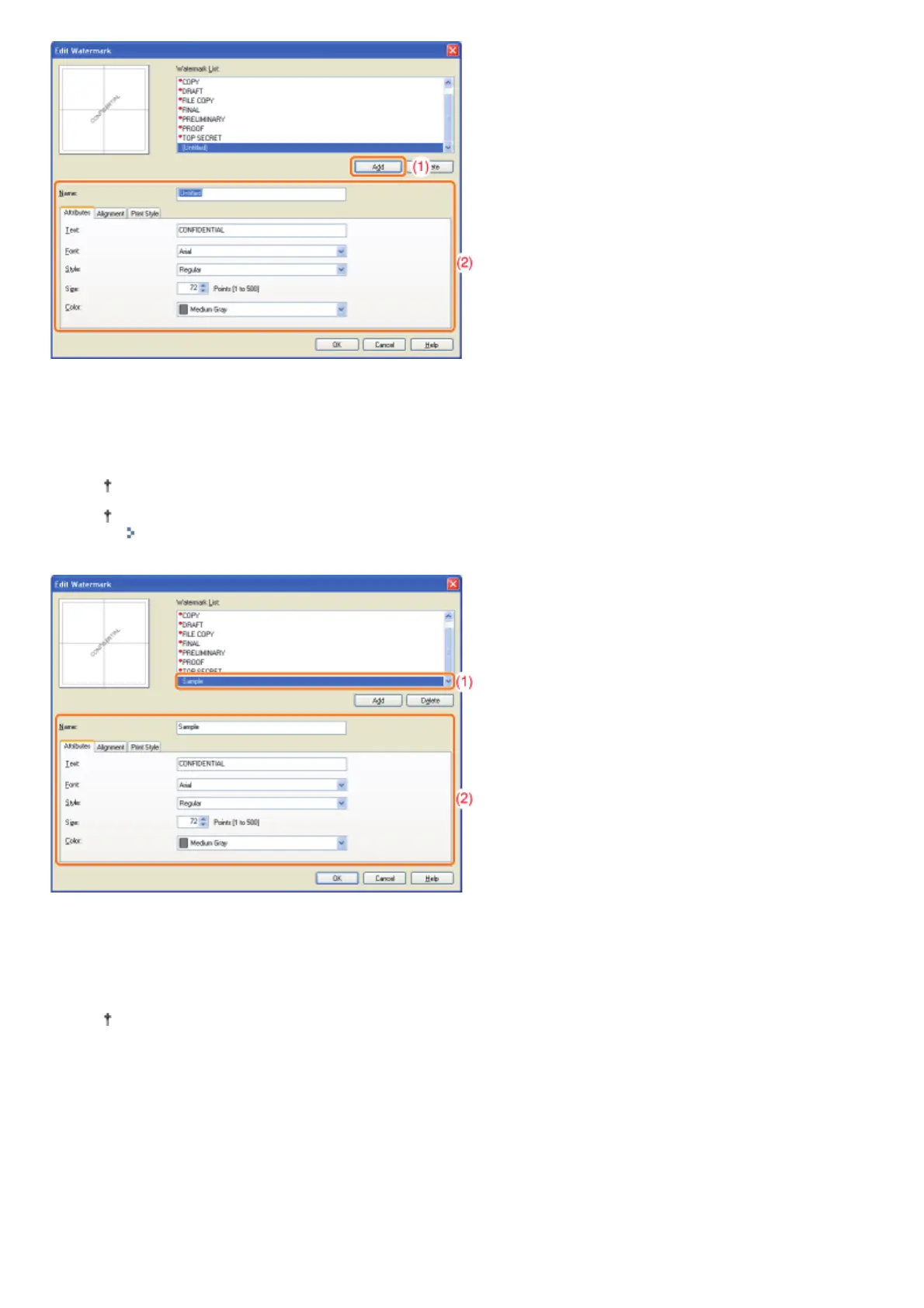
When editing a watermark
(1) Select a watermark you want to edit from [Watermark List].
(2) Edit the watermark.
You cannot edit the default watermarks.
For more details on each setting, see Help.
"How to Use Help"
When deleting a watermark
(1) Select a watermark you want to delete from [Watermark List].
(2) Click [Delete].
You cannot delete the default watermarks or a watermark which is being selected in the printing preferences
dialog box.
(3) Click [Yes].
㻝㻥㻢㻌㻛㻌㻠㻡㻞














 To Next Page