4
Click [OK].
ĺ The setting screen of the printer driver reappears.
Deleting an Added "Profile"
1
Display the setting screen of the printer driver.
"Displaying the Setting Screen"
2
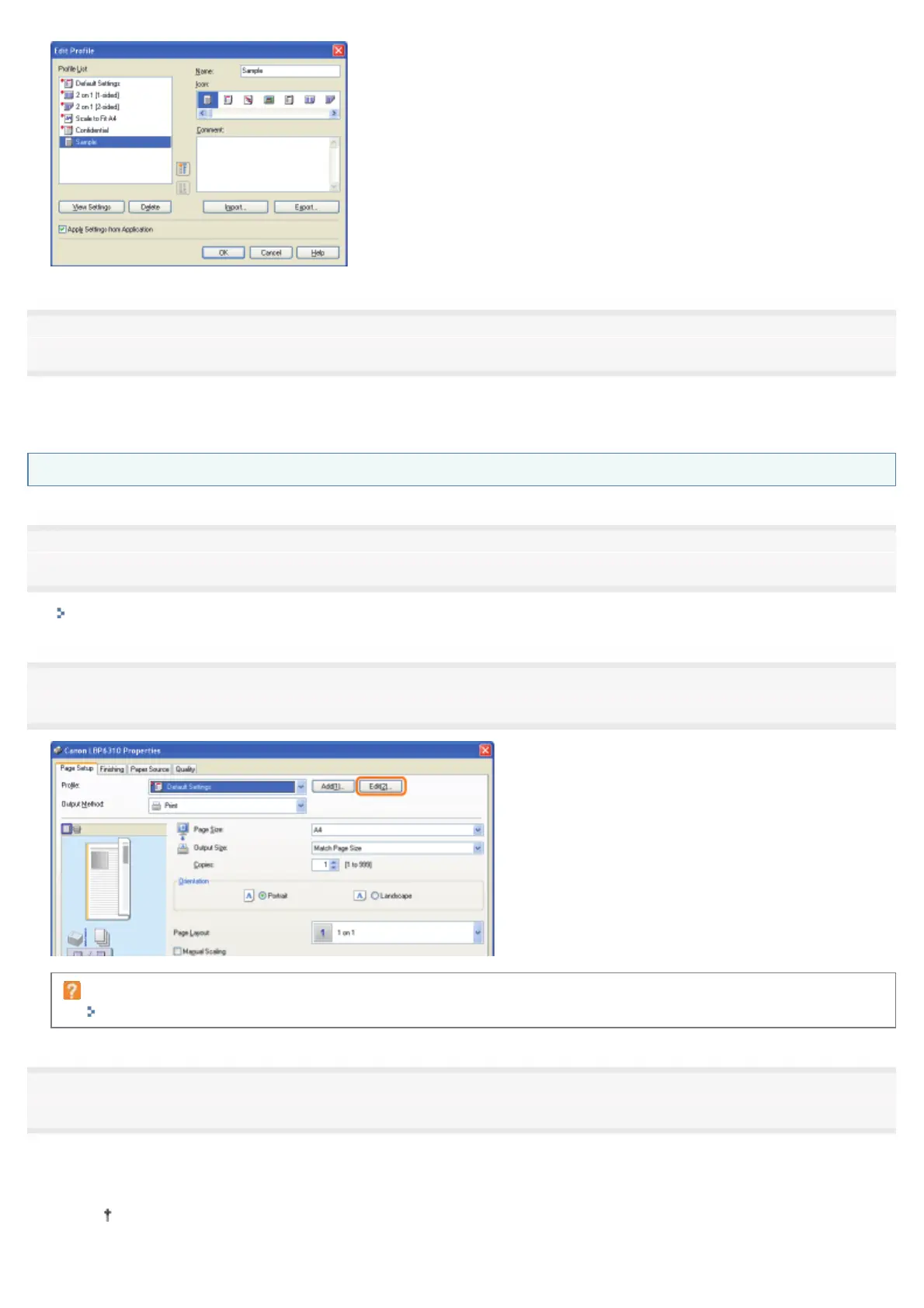
Click [Edit].
If you cannot click [Edit]
""Profiles" Cannot Be Selected or Edited"
3
Delete a "Profile."
(1) Select a "Profile" you want to delete.
(2) Click [Delete].
You cannot delete the default "Profiles" or a "Profile" which is being selected in the setting screen of the
printer driver.
㻞㻞㻣㻌㻛㻌㻠㻡㻞














 To Next Page