Obtains an IP address using BOOTP.
(The BOOTP daemon needs to be running.)
[DHCP]
Obtains an IP address using DHCP.
(The DHCP server needs to be running.)
[IP Address] Enter the IP address of the printer.
[Subnet Mask] Enter the subnet mask as needed.
[Gateway Address] Enter the gateway address as needed.
NOTE
When selecting [RARP]
You cannot enter any values in [IP Address].
When selecting [BOOTP] or [DHCP]
You cannot enter any values in [IP Address], [Subnet Mask], and [Gateway Address].
If you cannot use RARP, BOOTP, or DHCP
Specify the settings in [Manual Setting].
4
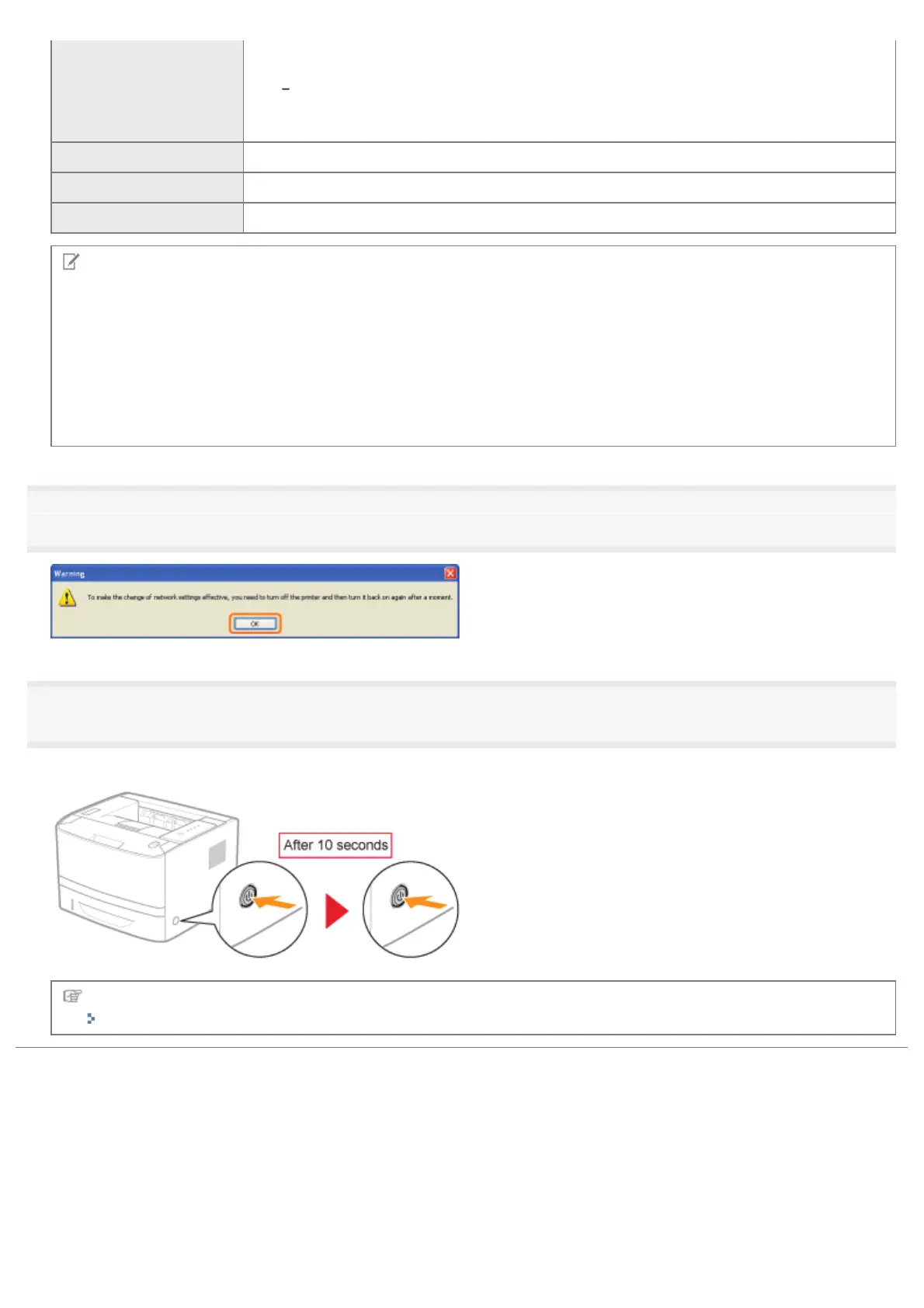
Click [OK].
5
Restart the printer. (Turn OFF the printer once, wait for 10 seconds or longer, and then turn it ON.)
After restarting the printer, the settings are effective.
Next, install the printer driver.
"Setting a Port and Installing the Printer Driver"
㻞㻠㻟㻌㻛㻌㻠㻡㻞














 To Next Page