12
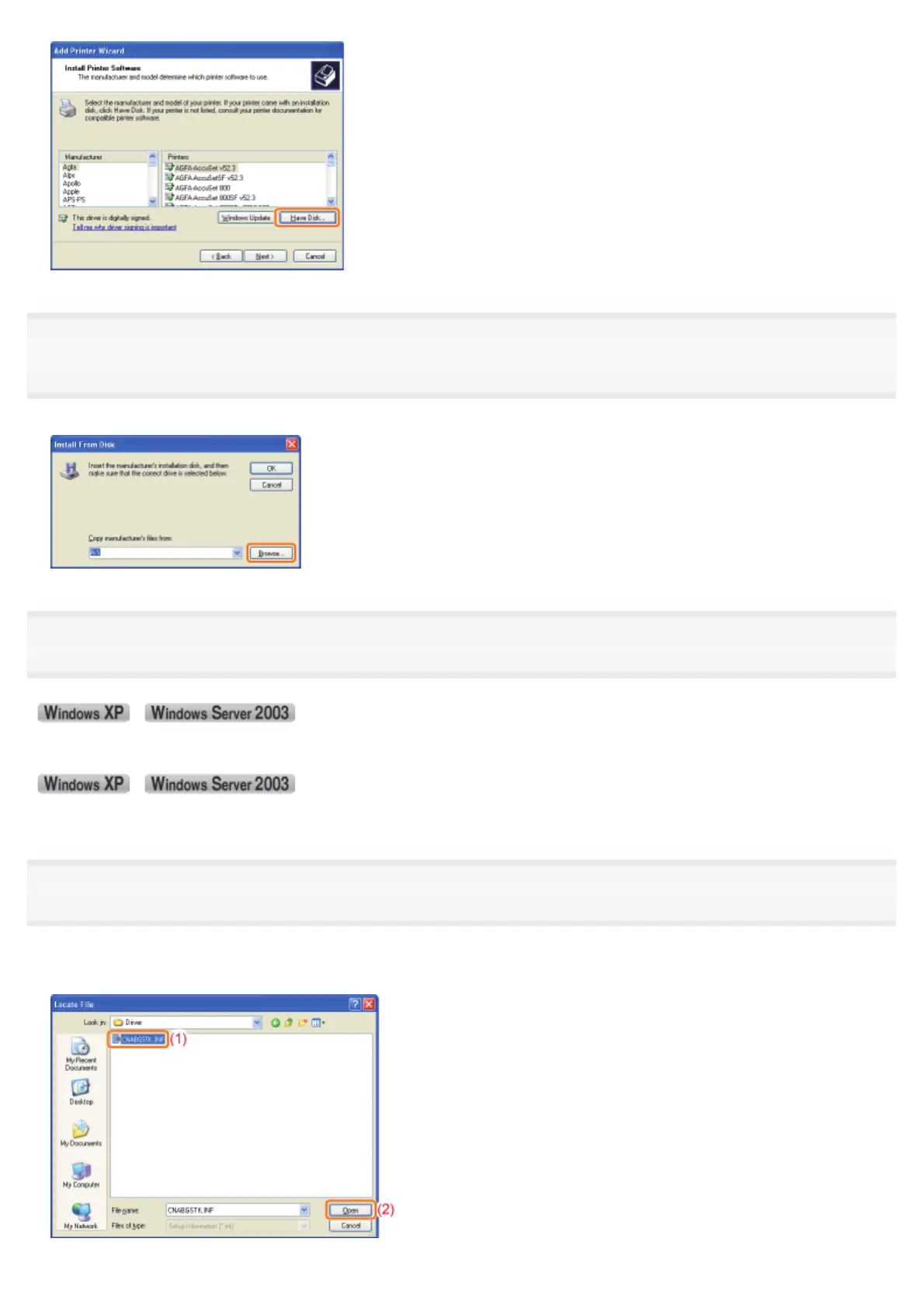
Insert the supplied CD-ROM "User Software" into the CD-ROM drive of your computer, and then click
[Browse].
If CD-ROM Setup appears, click [Exit].
13
Open the folder in which the printer driver is included.
(32-bit operating system)
Open the folders in the supplied CD-ROM: [English] - [32bit] - [Driver].
(64-bit operating system)
Open the folders in the supplied CD-ROM: [English] - [x64] - [Driver].
14
Open the INF file.
(1) Select the INF file.
(2) Click [Open].
㻞㻡㻟㻌㻛㻌㻠㻡㻞














 To Next Page