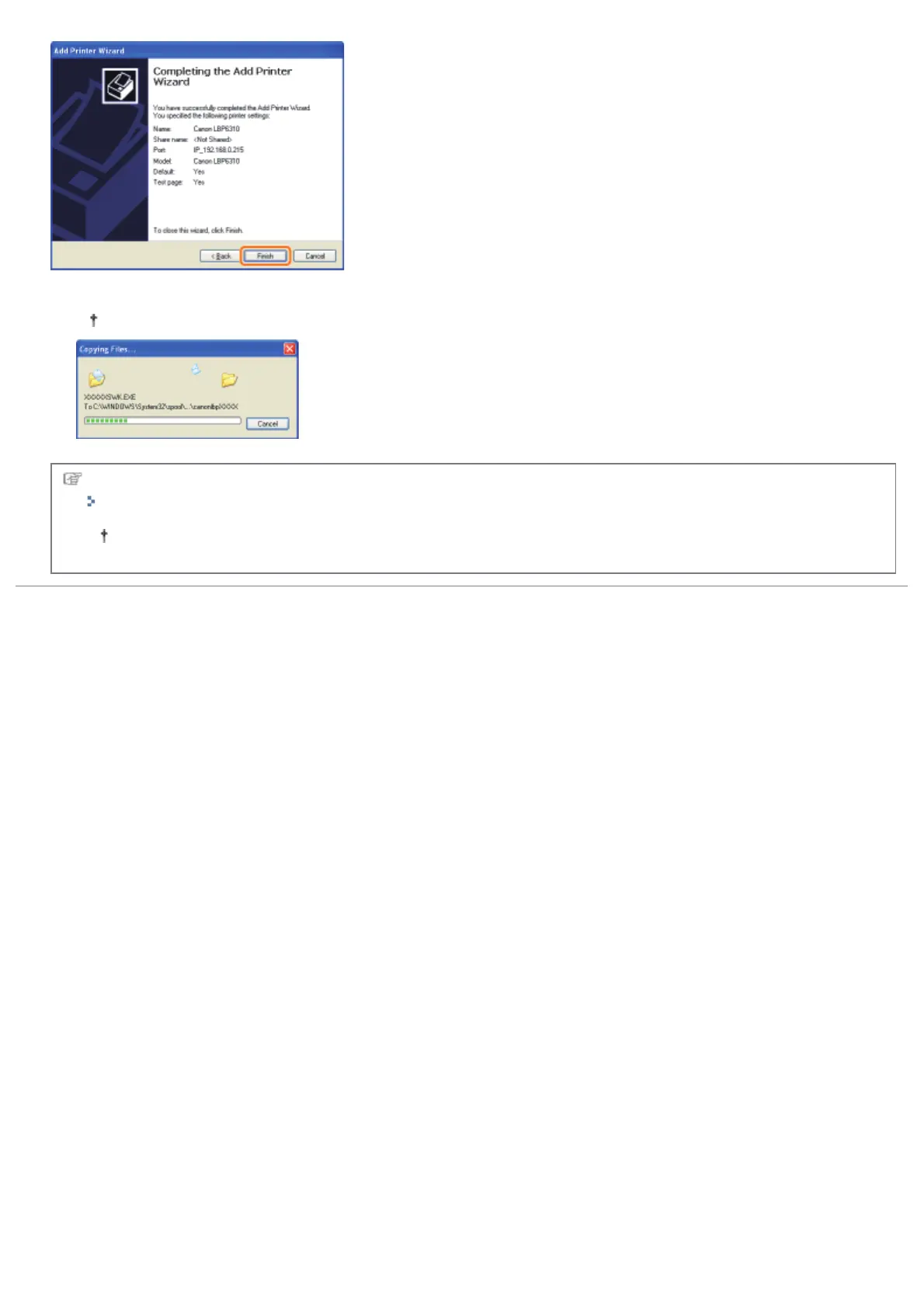
ĺ The installation starts. Wait until the following screen disappears.
When the following screen disappears, you can remove the CD-ROM.
When the installation is complete, an icon and folder for this printer will be created.
"After Installation"
If you want to change the network settings for the printer, see "Changing the Network Settings for the Printer."
㻞㻡㻢㻌㻛㻌㻠㻡㻞














 To Next Page