*
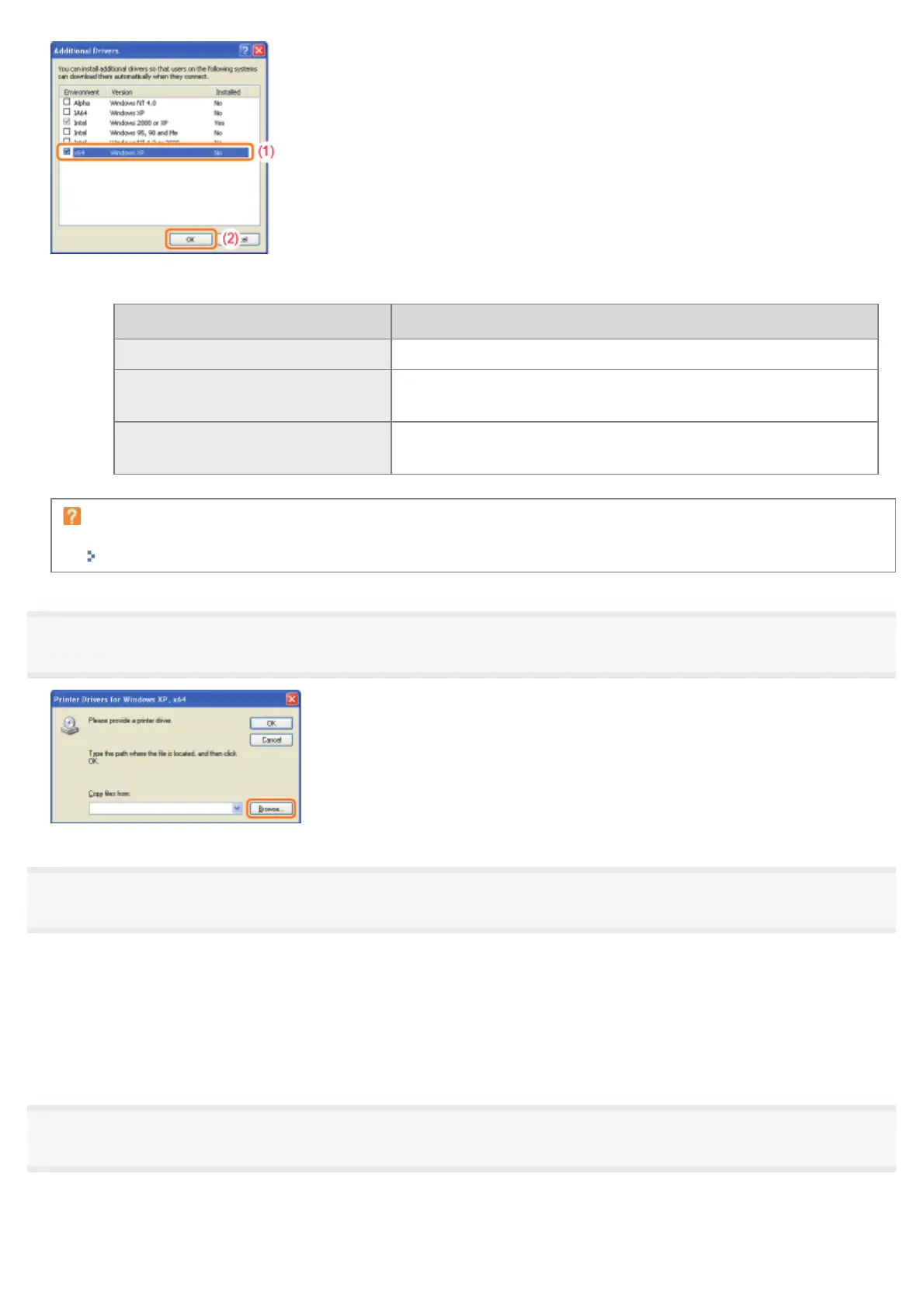
Select the additional driver as follows according to the operating system on the print server.
Print Server Additional Driver to Be Selected
32-bit operating system Select the [x64] check box.
64-bit operating system
(Windows XP and Server 2003)
Select the check box for [Windows XP and Windows Server 2003]
in the [Version] column.
64-bit operating system
(Windows Vista, 7, and Server 2008)
Select the check box for [x86] in the [Processor] column.
If you are not sure whether you are using a 32-bit operating system or 64-bit operating system
(Windows Vista, 7, and Server 2008)
"Basic Operations/Various Information for Windows"
6
Click [Browse].
7
Open the folder in which the printer driver is included.
If a 32-bit operating system is running on the print server
Open the folders in the supplied CD-ROM: [English] - [x64] - [Driver].
If a 64-bit operating system is running on the print server
Open the folders in the supplied CD-ROM: [English] - [32bit] - [Driver].
8
Open the INF file.
(1) Select the INF file.
(2) Click [Open].
㻞㻤㻥㻌㻛㻌㻠㻡㻞














 To Next Page