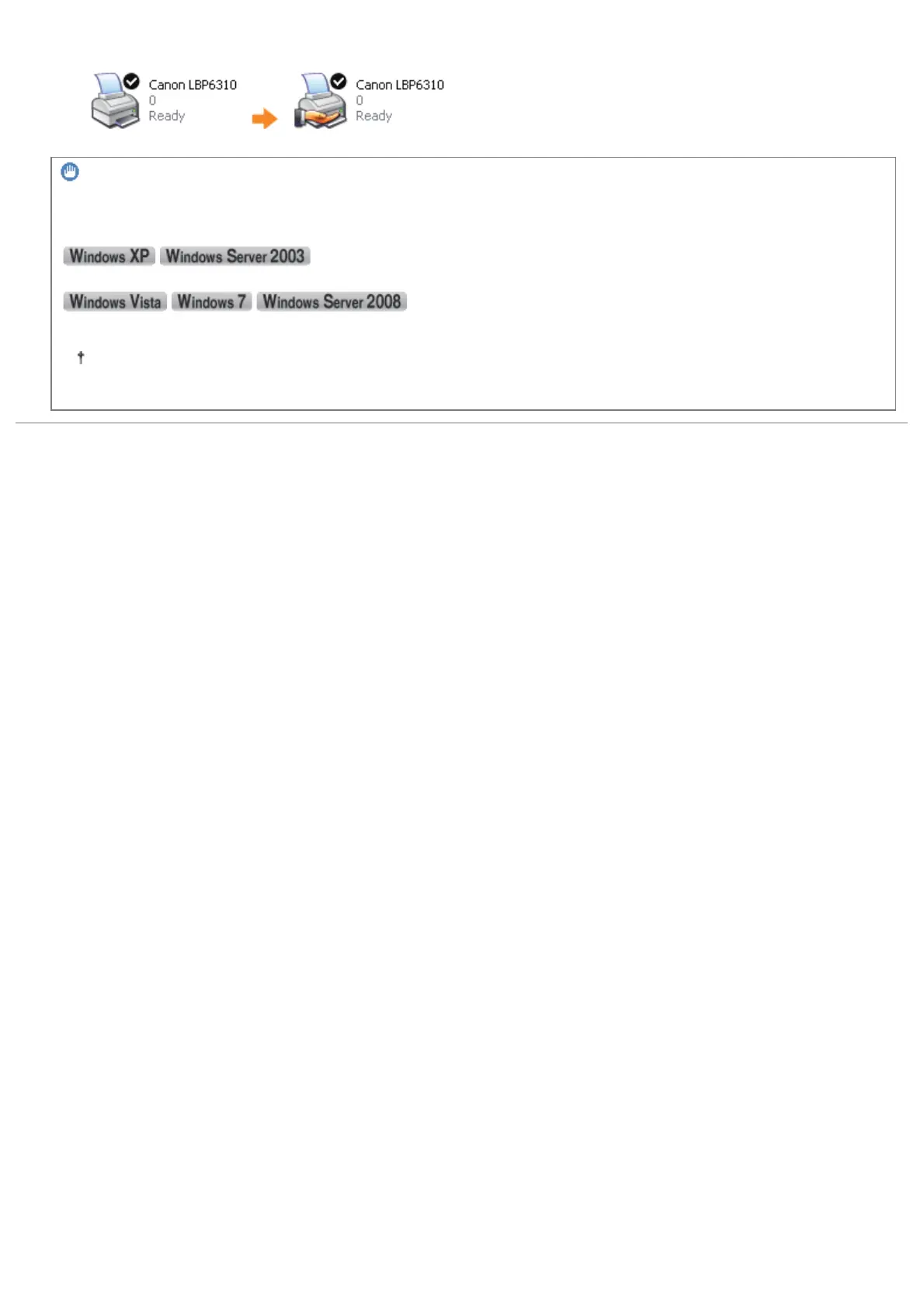
ĺ The printer icon changes to the shared printer icon.
IMPORTANT
To clear the printer sharing settings
Clear it using the following procedure.
Select [Do not share this printer] in the [Sharing] sheet.
Clear the [Share this printer] check box in the [Sharing] sheet.
If [Change sharing options] appears, click [Change sharing options].
If the [User Account Control] dialog box appears, click [Continue].
㻞㻥㻝㻌㻛㻌㻠㻡㻞














 To Next Page