3
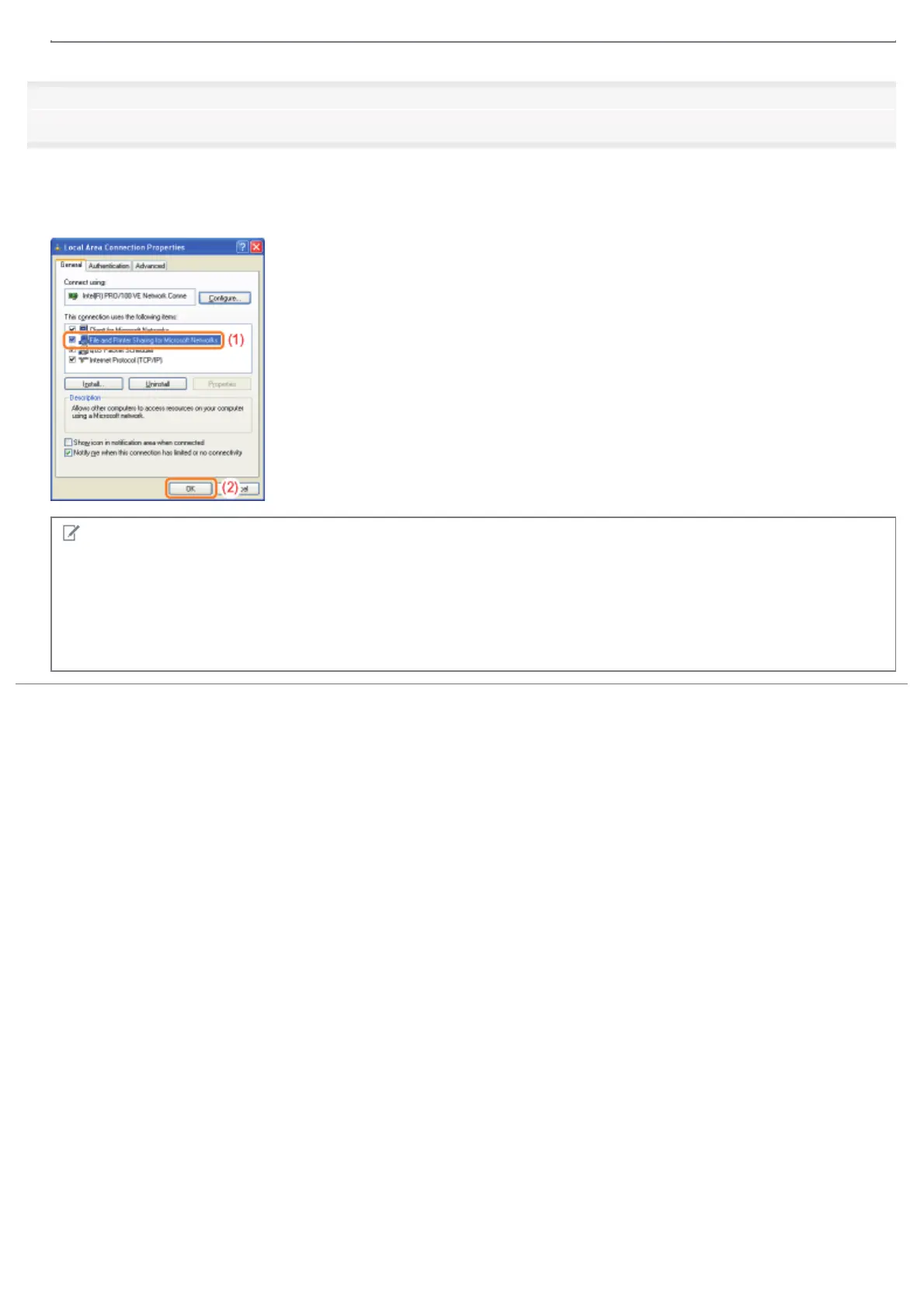
Make sure that [File and Printer Sharing for Microsoft Networks] is selected.
(1) Make sure that the [File and Printer Sharing for Microsoft Networks] check box is selected.
(If the check box is not selected, select it.)
(2) Click [OK].
NOTE
If you are using Windows XP
You cannot configure the print server with the operating system default settings (the settings immediately after
installation).
Before configuring the print server, run [Network Setup Wizard] to enable the printer sharing settings.
For more details, see Windows Help.
㻞㻥㻟㻌㻛㻌㻠㻡㻞














 To Next Page