7
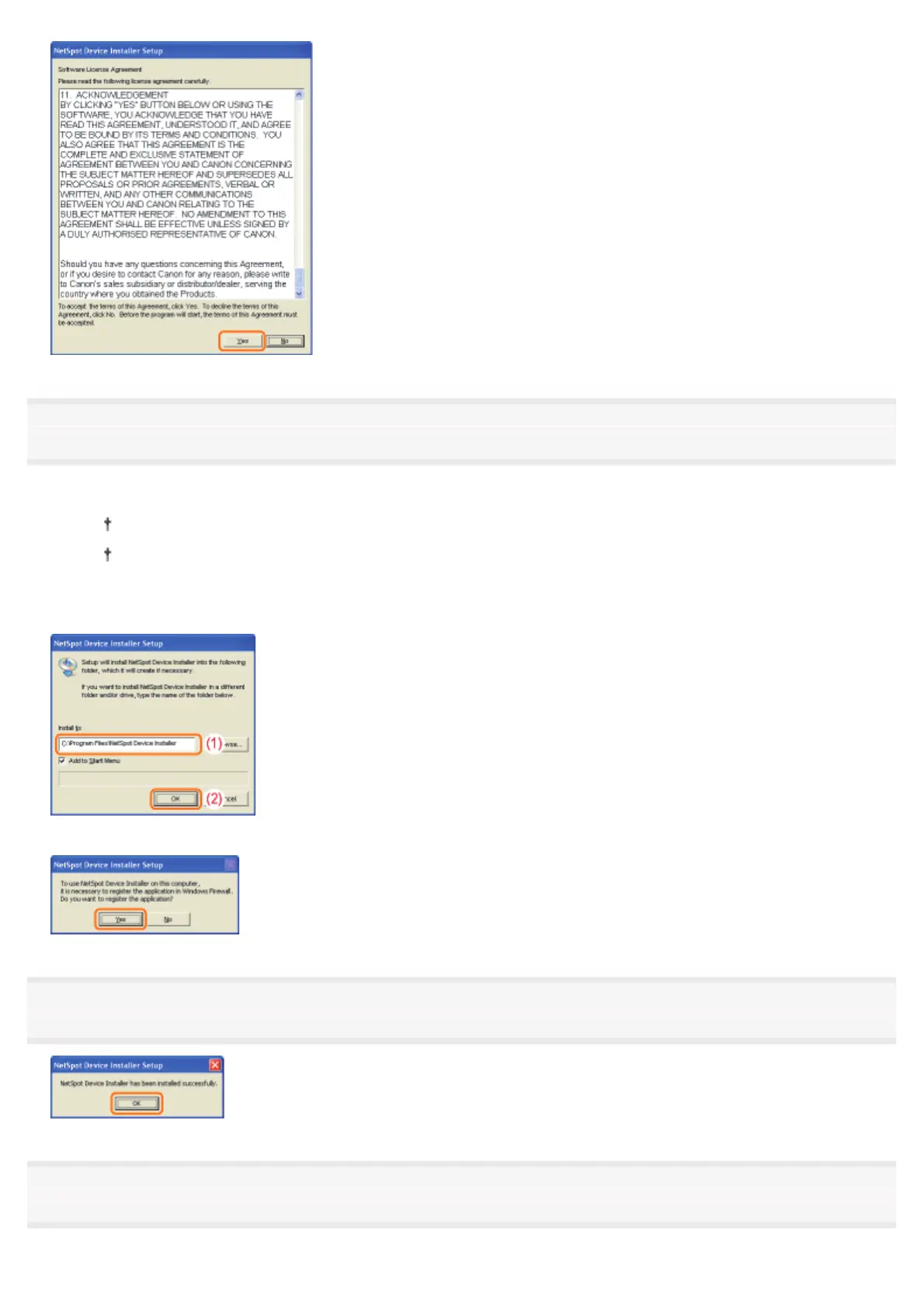
Start the installation.
(1) Check the installation directory.
To change the installation directory, click [Browse], and then select a folder.
If you do not want to add NetSpot Device Installer to the [Start] menu, clear the [Add to Start Menu] check
box.
(2) Click [OK].
When the following screen appears, click [Yes].
8
Click [OK].
9
Click [Cancel].
㻟㻞㻣㻌㻛㻌㻠㻡㻞














 To Next Page