4
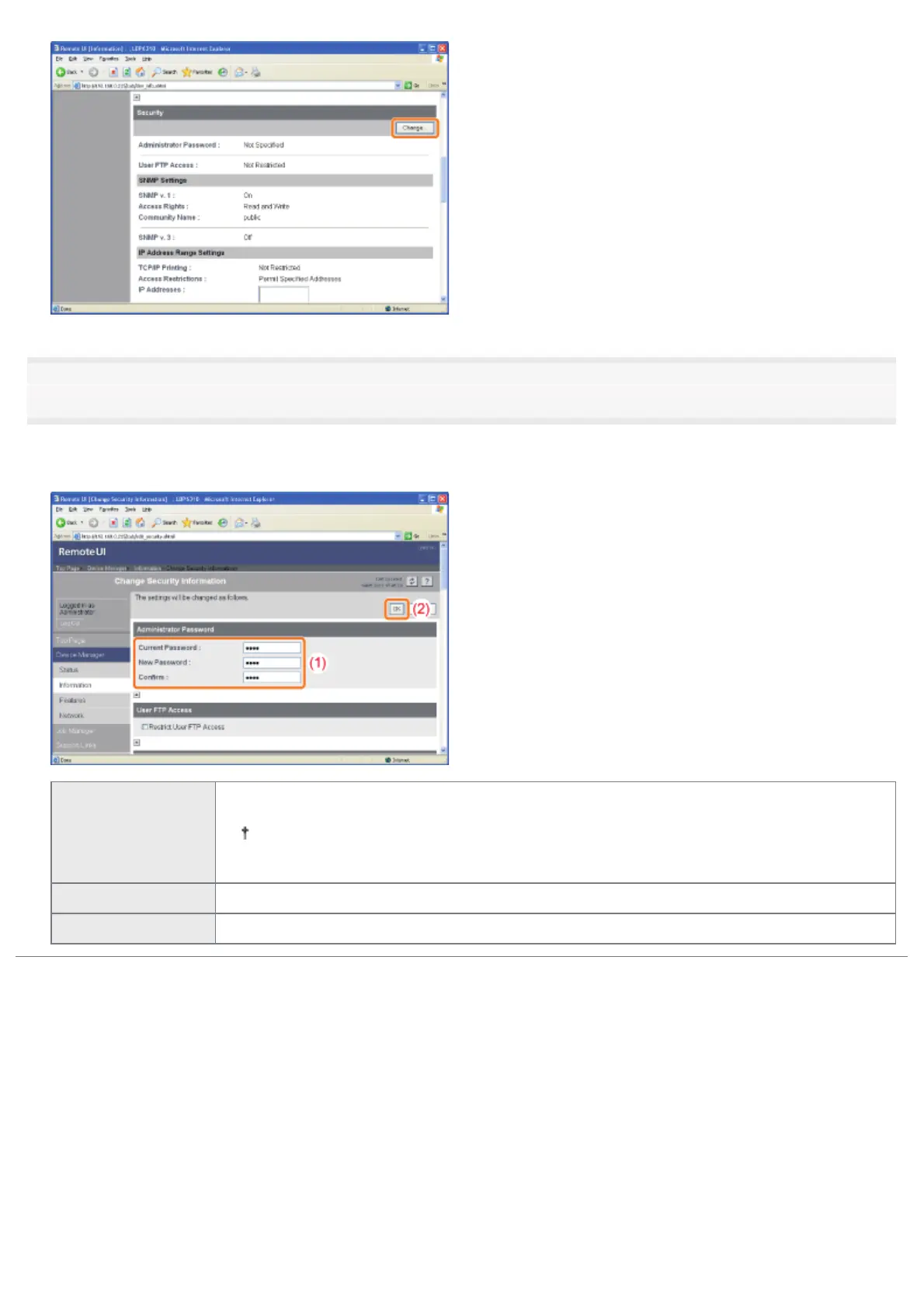
Set the administrator password.
(1) Set the administrator password.
(2) Click [OK].
[Current Password]
Enter the password currently being used.
If you set the administrator password for the first time, you do not need to enter the
password.
[New Password] Enter a new desired password.
[Confirm] To confirm the password, enter the entered [New Password] again.
㻟㻟㻤㻌㻛㻌㻠㻡㻞














 To Next Page