4
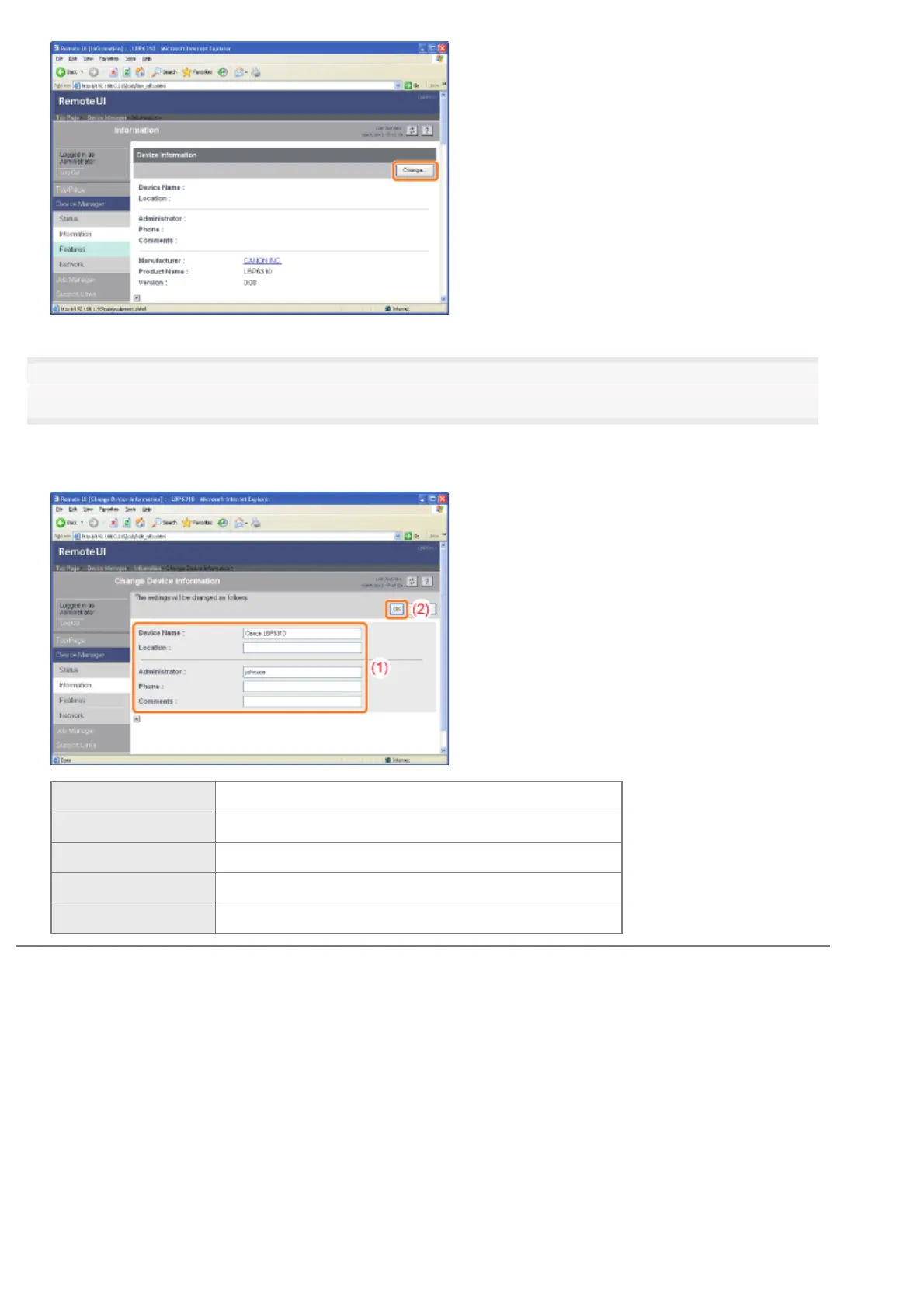
Specify the device name or administrator information.
(1) Specify the settings for each option as needed.
(2) Click [OK].
[Device Name] Enter the printer name.
[Location] Enter the location to install the printer.
[Administrator] Enter the name of the printer administrator.
[Phone] Enter the telephone number of the printer administrator.
[Comments] Enter the comments of the printer administrator.
㻟㻠㻜㻌㻛㻌㻠㻡㻞














 To Next Page