4
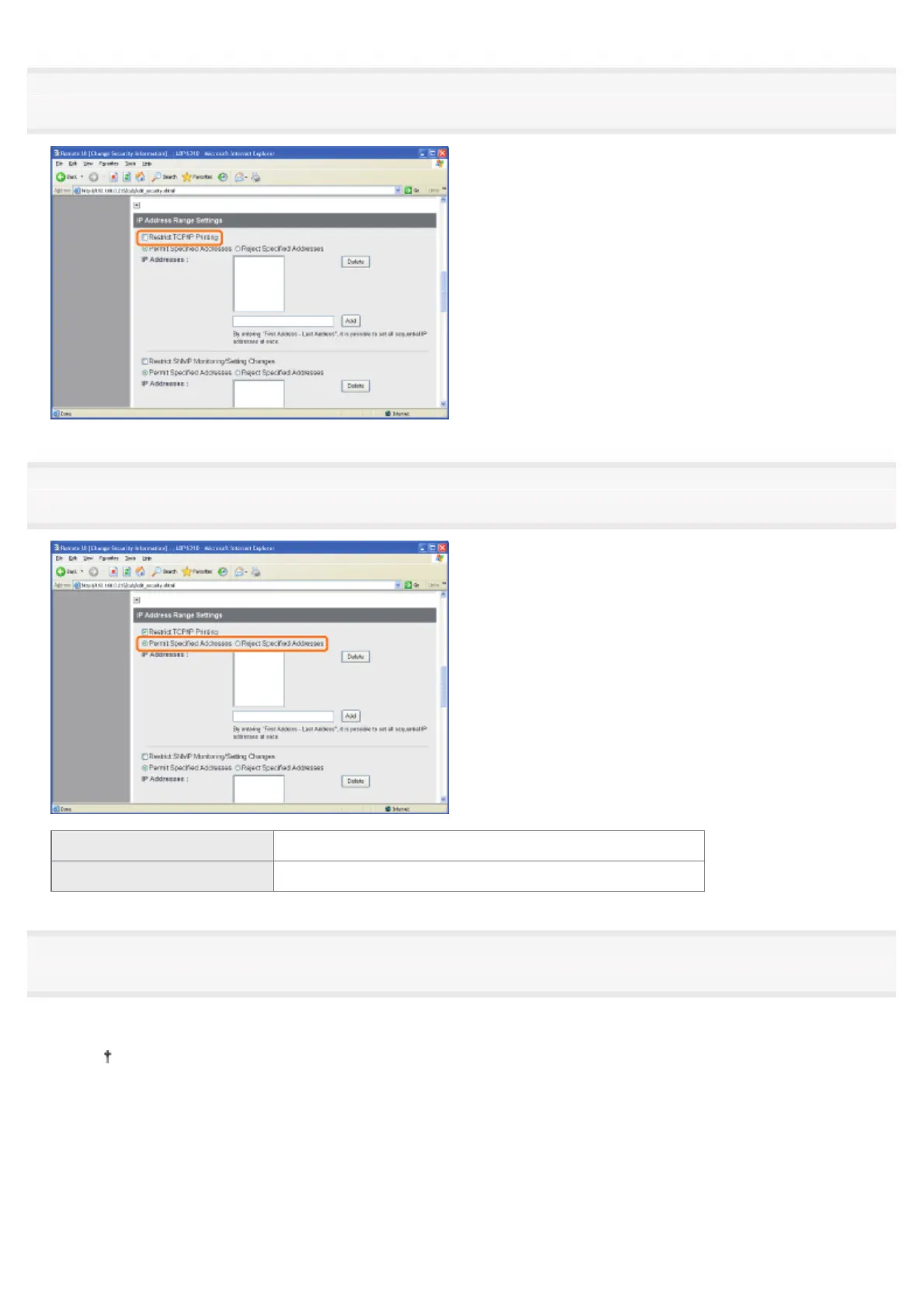
Select the [Restrict TCP/IP Printing] check box.
5
Select [Permit Specified Addresses] or [Reject Specified Addresses].
[Permit Specified Addresses] Only users specified in [IP Addresses] can perform printing.
[Reject Specified Addresses] Users specified in [IP Addresses] cannot perform printing.
6
Set the IP address.
(1) Enter the IP address of a computer for which you permit or reject printing.
Enter the IP address by separating the numbers with "." (period), for example, AAA.BBB.CCC.DDD.
(2) Click [Add].
㻟㻠㻟㻌㻛㻌㻠㻡㻞














 To Next Page