(11) [ ] (Cancel Job)
Cancels the current job. While another user's job is being printed, the [Cancel Job]
button is displayed in gray.
NOTE
For details on each option in the Printer Status Window
See Help.
"How to Use Help"
Displaying the Printer Status Window
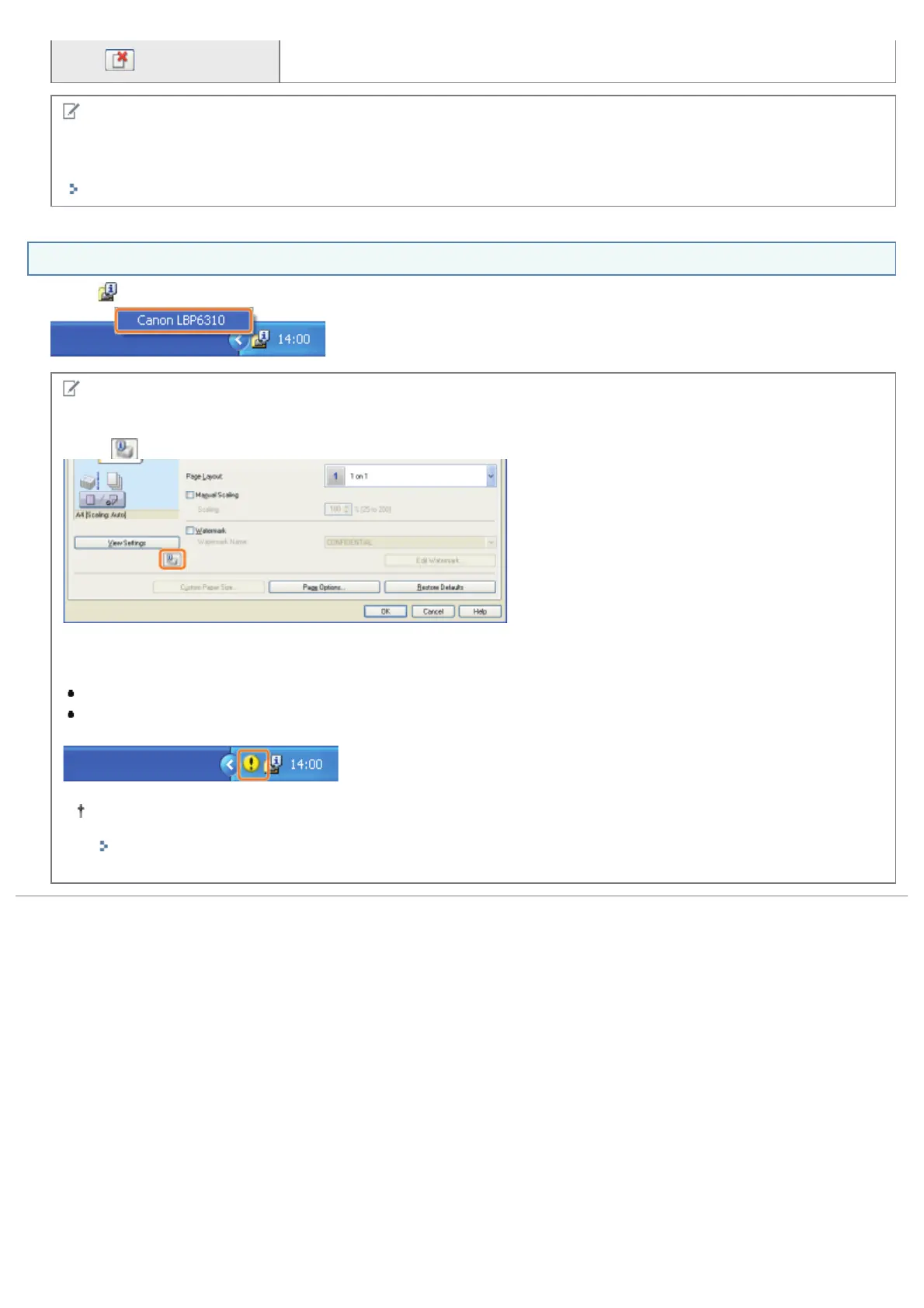
Click [ ] in the Windows task tray, and then select the printer name.
NOTE
When displaying the Printer Status Window from the printer driver
Click [
] (Display Printer Status Window) in locations such as in the [Page Setup] sheet.
Displaying the Printer Status Window automatically
The Printer Status Window icon is displayed automatically under the following situations.
When an error is occurring while printing
When the toner cartridge needs to be replaced soon while printing
Clicking this icon can display the Printer Status Window.
You can change the display settings in the [Preferences (Users)] or [Preferences (Administrators)] dialog box in
the Printer Status Window. For more details, see Help.
"How to Use Help"
㻡㻠㻌㻛㻌㻠㻡㻞














 To Next Page