NOTE
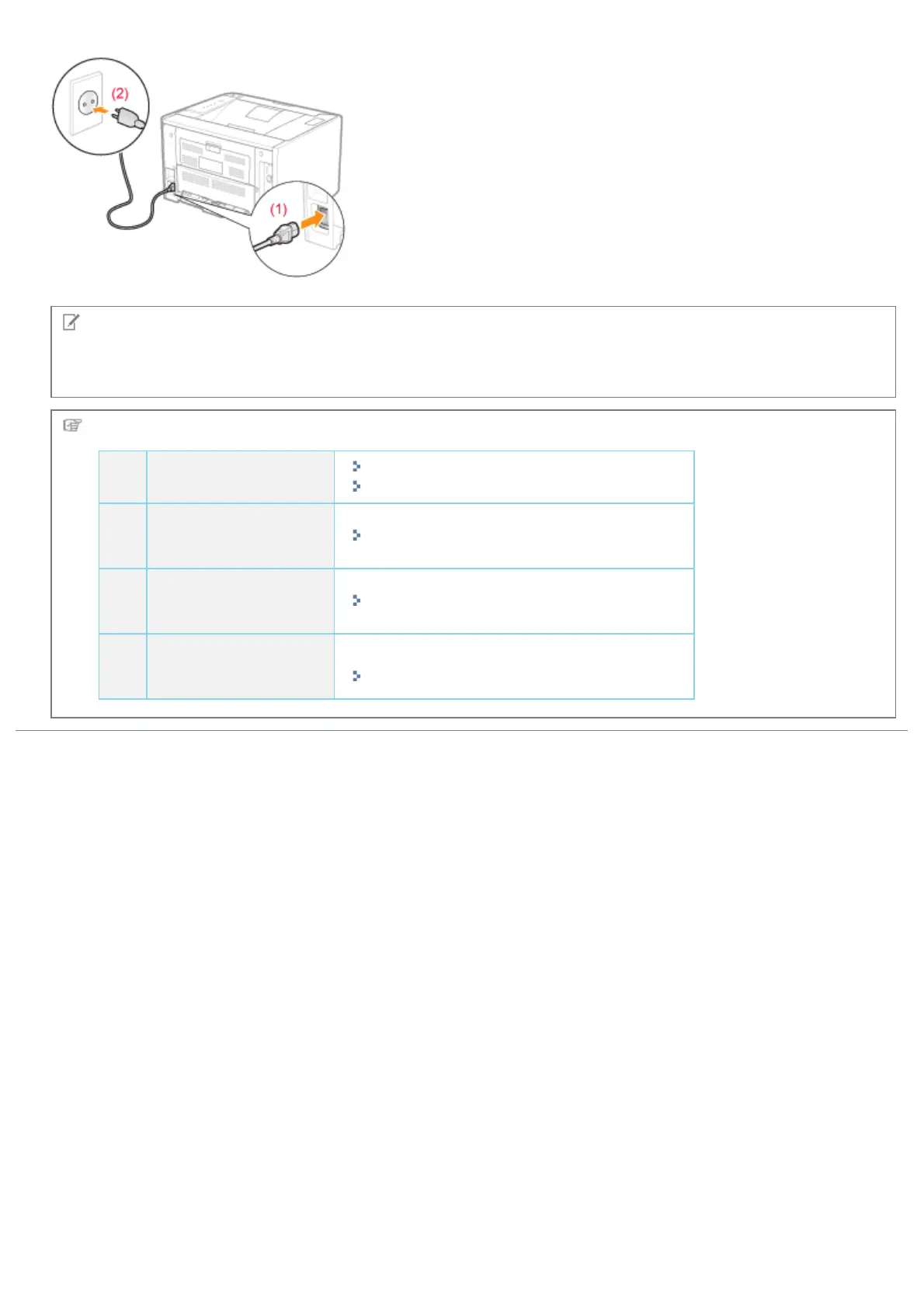
The form of the supplied power cord
The form of the supplied power cord may differ from the one in the above illustration.
Next, perform the following procedures.
1
Load paper.
"Loading Paper in the Paper Drawer"
"Loading Paper in the Multi-purpose Tray"
2
Install the printer
driver.
"Installing the Printer Driver"
3
Register a paper
size.
"Registering the Paper Size"
4
Check the printing
operation.
Check the operations by Configuration Page Print.
"Checking the Printer Settings"
㻥㻠㻌㻛㻌㻠㻡㻞














 To Next Page