Operation
5.8.5.5 Orbit Data
Orbit data provides information from the current target OPT solutions. This
information can be useful in setting up or checking Box limits. Three solutions may
exist for each OPT target: Short-term, Long-term (2b), and Long-term (mb). If data
is not available for a given solution, Not available will be displayed.
Under each solution, the user will see the data listed in Table 5-20 calculated at
the solution epoch.
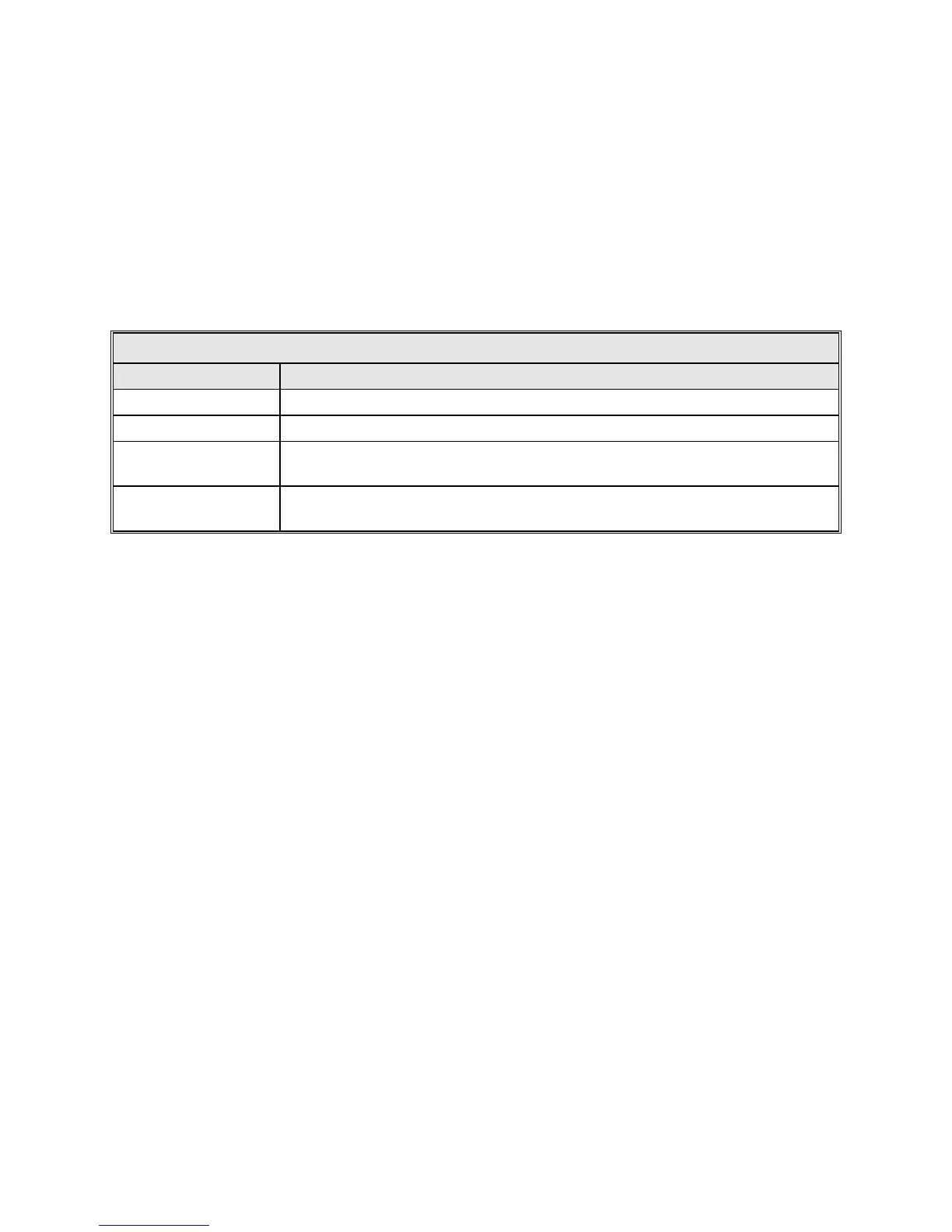
TABLE 5-20 ORBIT DATA CALCULATIONS
FIELD DESCRIPTION
Longitude (E) Estimated east longitude of the satellite.
Inclination Estimated orbital inclination, in degrees.
Axis 1 delta
Estimated delta, in degrees, applied to the first axis. For most systems, axis 1 is
AZ.
Axis 2 delta
Estimated delta, in degrees, applied to the second axis. For most systems, axis 2
is EL.
5.8.5.6 Box Limits
The Box limits information provides the limits in use and the current pointing
location inside the box. The limits are only active when the current target is an
OPT target and Box limits are enabled. This information is provided to assist in
troubleshooting Box limit errors. The longitude/latitude values displayed are
estimates determined from the current look angles. The estimates are independent
of the OPT solutions and will function with or without OPT solutions, and the
estimates do not affect the solutions.
The north/south limits are determined by the Estimated inclination input for the
target under OPT parameters. The east/west limits are determined by using three
values: the Longitude range, a longitude spread calculated from the Estimated
inclination, and the Box center longitude. These values are input for the target
under OPT parameters.
When a north/south limit is intersected and no other problem exists, open the limits
by increasing the Estimated inclination for that target. The Orbit data screen can
assist in determining the target's inclination. The Estimated inclination must be set
to a value greater than that displayed on the Orbit data screen.
5-43



 To Next Page